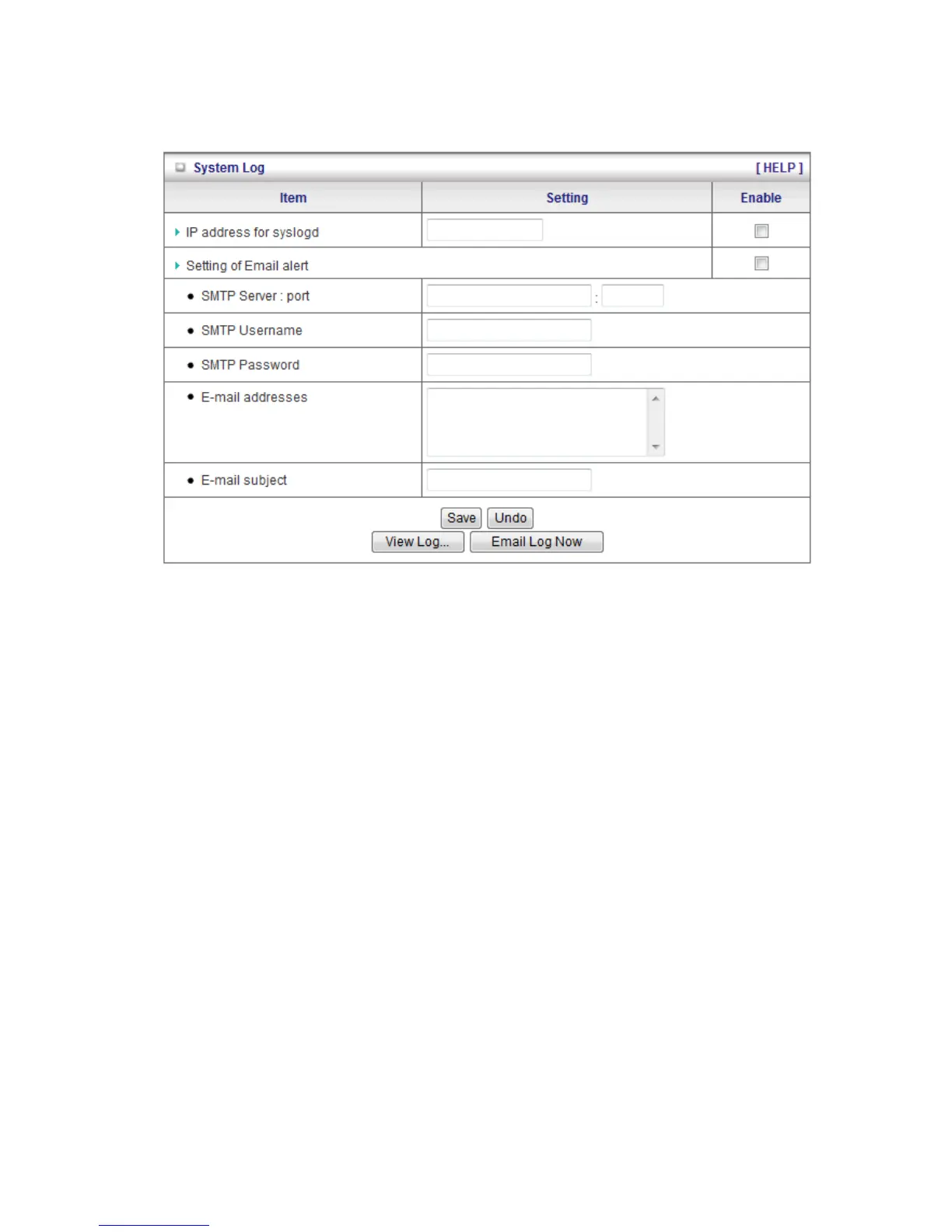
3.4.1 System Log
This page support two methods to export system logs to specific destination by means of
syslog (UDP) and SMTP(TCP). The items you have to setup including:
1. IP Address for Sys log: Host IP of destination where sys log will be sent to. Check
Enable to enable this function.
2. E-mail Alert Enable: Check if you want to enable Email alert (send syslog via email).
3. SMTP Server IP and Port: Input the SMTP server IP and port, which are connected with
':'. If you do not specify port number, the default value is 25.
For example, "mail.your_url.com" or "192.168.1.100:26".
4. Send E-mail alert to: The recipients who will receive these logs, you can assign more
than 1 recipient, using ';' or ',' to separate these email addresses.
5. E-mail Subject: The subject of email alert, this setting is optional.
Click on “Save” to store your settings or click “Undo” to give up the changes.














 To Next Page