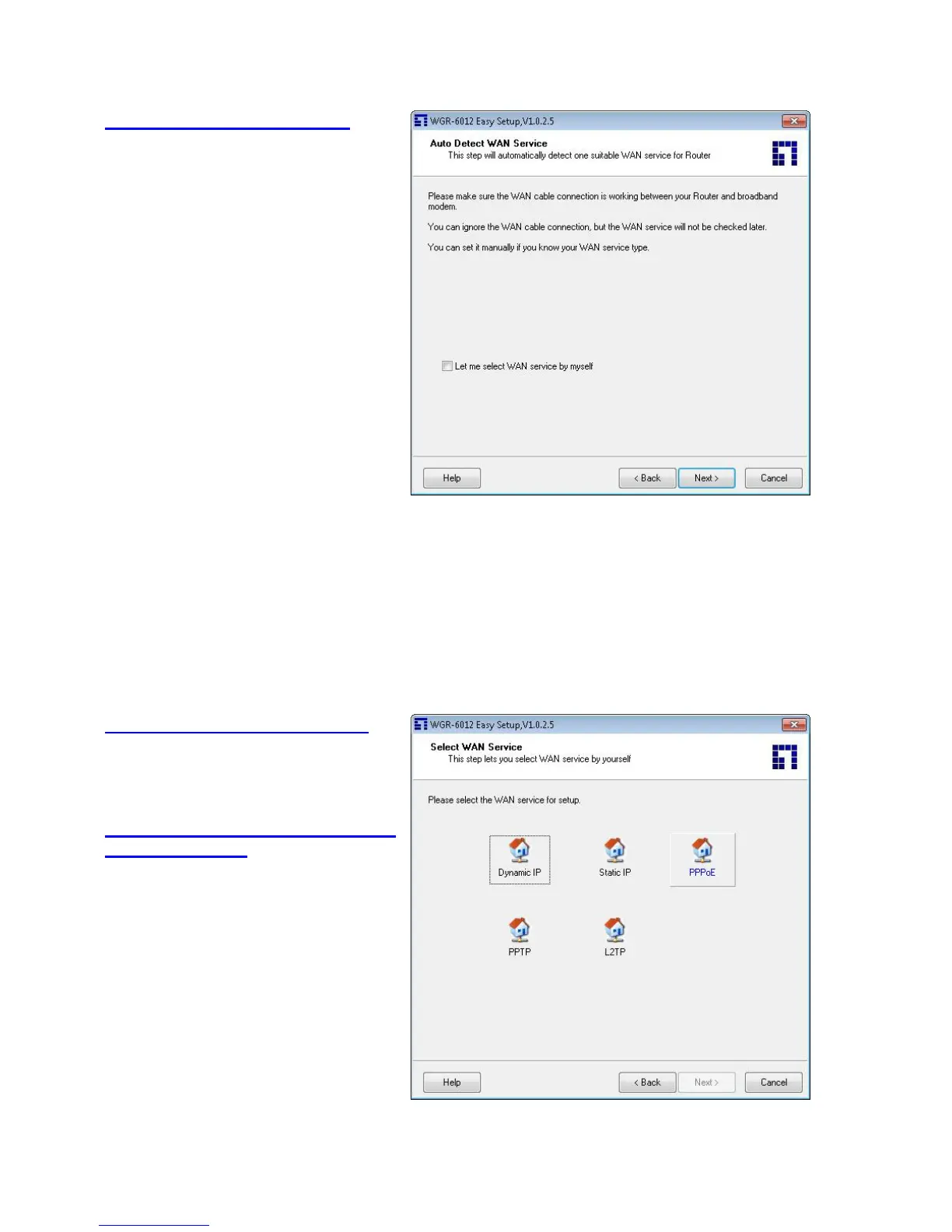
2.6 Auto Detect WAN Service.
Click “Next” for continue.
Click the button, “Let me select WAN service
by myself”, to disable this function.
Note: The Item supports to detect the
Dynamic and PPPoE WAN Services only
Example, the Dynamic WAN type is tected.
2.7. Manual select WAN Service
In the manual mode, Click the any icons for
continues.
2.8 Summary of the settings and
Next to “Reboot”
Click “Next” for continue.














 To Next Page