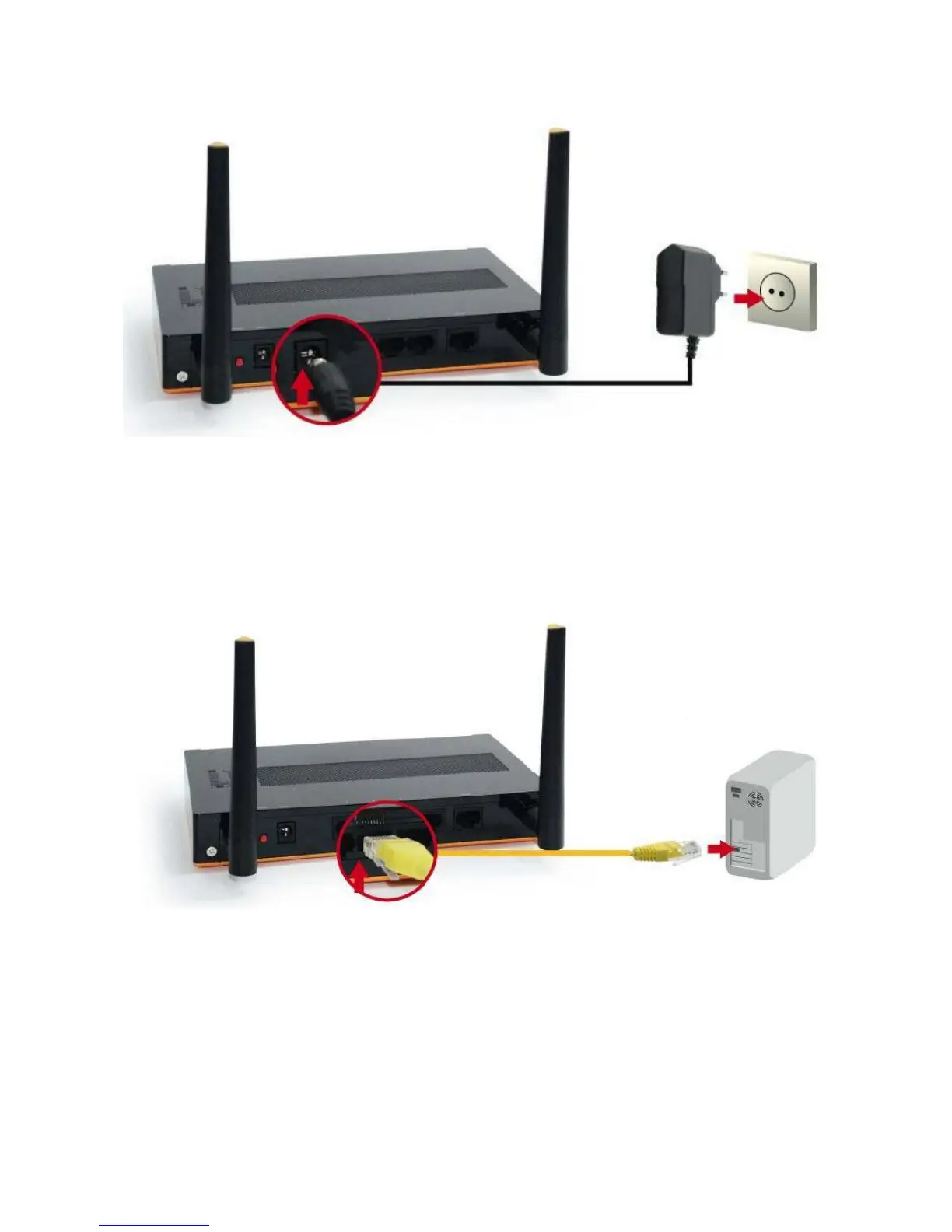
Step 2 Insert the Ethernet cable into LAN Port:
Insert the Ethernet patch cable into LAN port on the back panel of Router, and an available Ethernet port on
the network adapter in the computer you will use to configure the unit.
Step 3 Insert the Ethernet patch cable into Wired WAN port:
Insert the Ethernet patch cable form DSL Modem into Wired WAN port on the back panel of Router.















 To Next Page