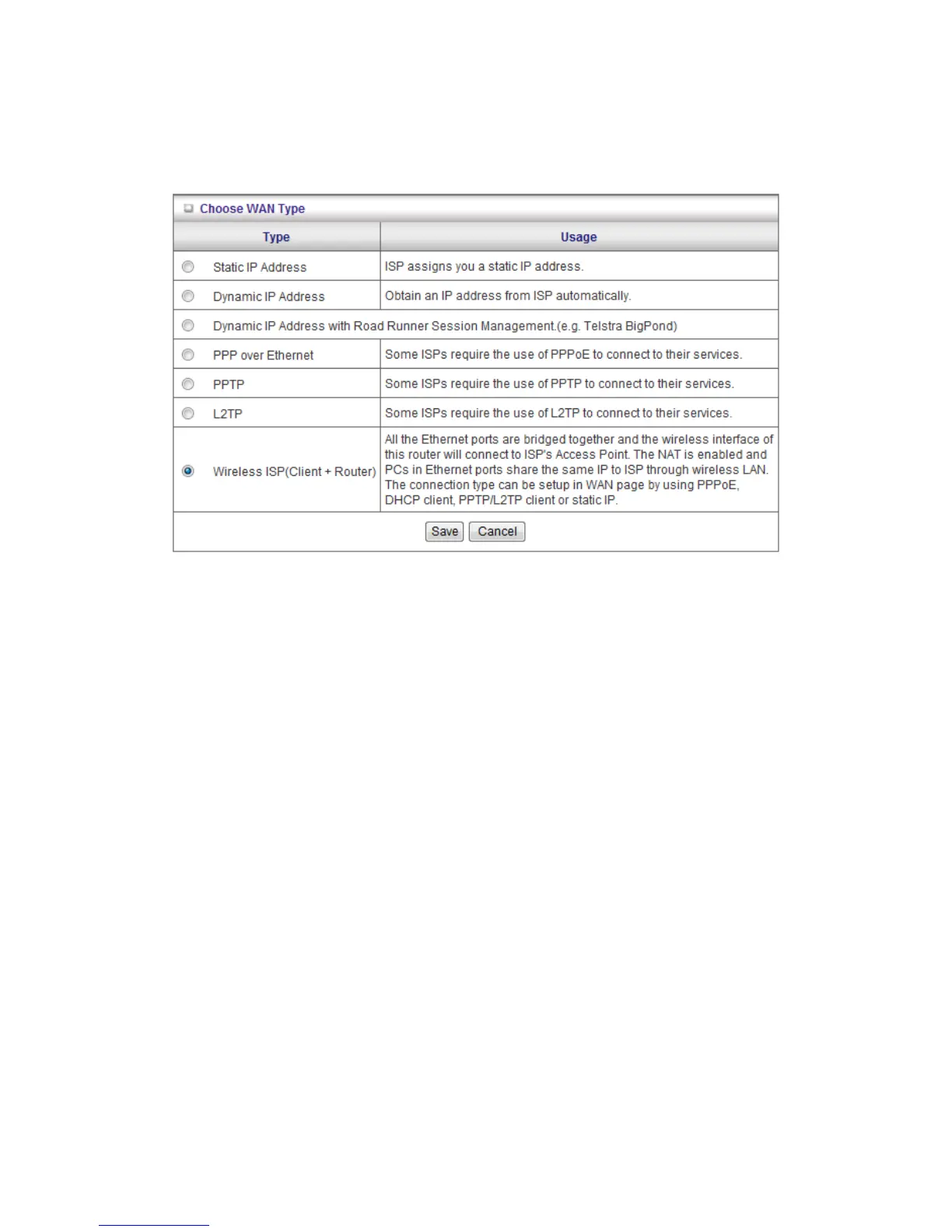
2. WAN Type: WAN connection type of your ISP. You can click Change button to choose a
correct one from the following four options:
A. Static IP Address: ISP assigns you a static IP address.
B. Dynamic IP Address: Obtain an IP address from ISP automatically.
C. PPP over Ethernet: Some ISPs require the use of PPPoE to connect to their
services.
D. PPTP: Some ISPs require the use of PPTP to connect to their services.
E. L2TP: Some ISPs require the use of L2TP to connect to their services
F. WISP: All the Ethernet ports are bridged together and the wireless interface of this
router will connect to ISP's Access Point. The NAT is enabled and PCs in Ethernet
ports share the same IP to ISP through wireless LAN. The connection type can be
setup in WAN page by using PPPoE, DHCP client or static IP.
Static IP Address: ISP assigns you a static IP address:
WAN IP Address, Subnet Mask, Gateway, Primary and Secondary DNS: enter the proper
setting provided by your ISP.













 To Next Page