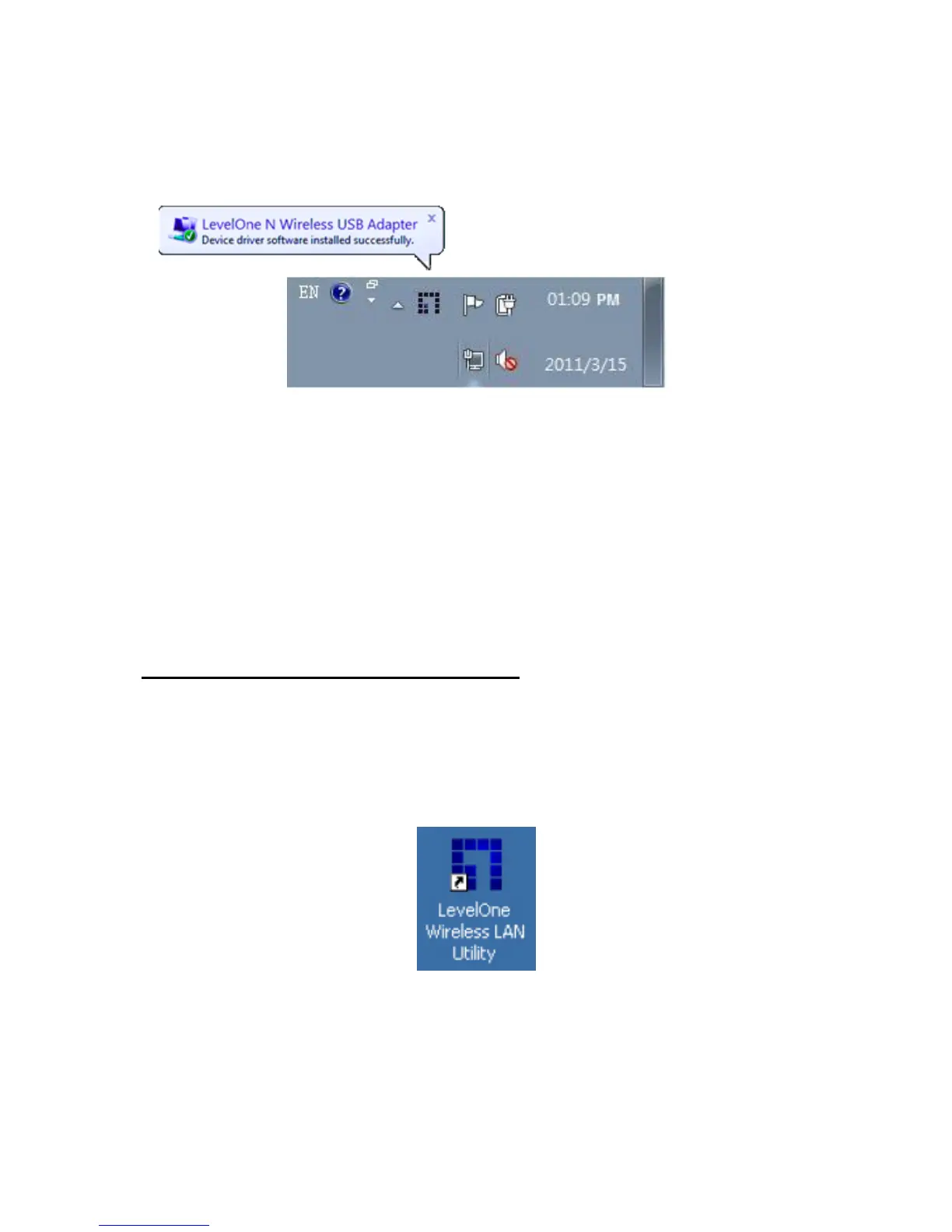
“Found New Hardware Wizard” will appear. Follow the prompts until you
see that the Wireless USB Adapter has been successfully installed.
Note: Device installation is now complete. You can now use the Utility to connect to your
wireless network.
Connect to Wireless Network
9. Double click the LevelOne Wireless LAN Utility on your Windows desktop.
10. Click the “Site Survey” tab to scan for available wireless access points.














 To Next Page