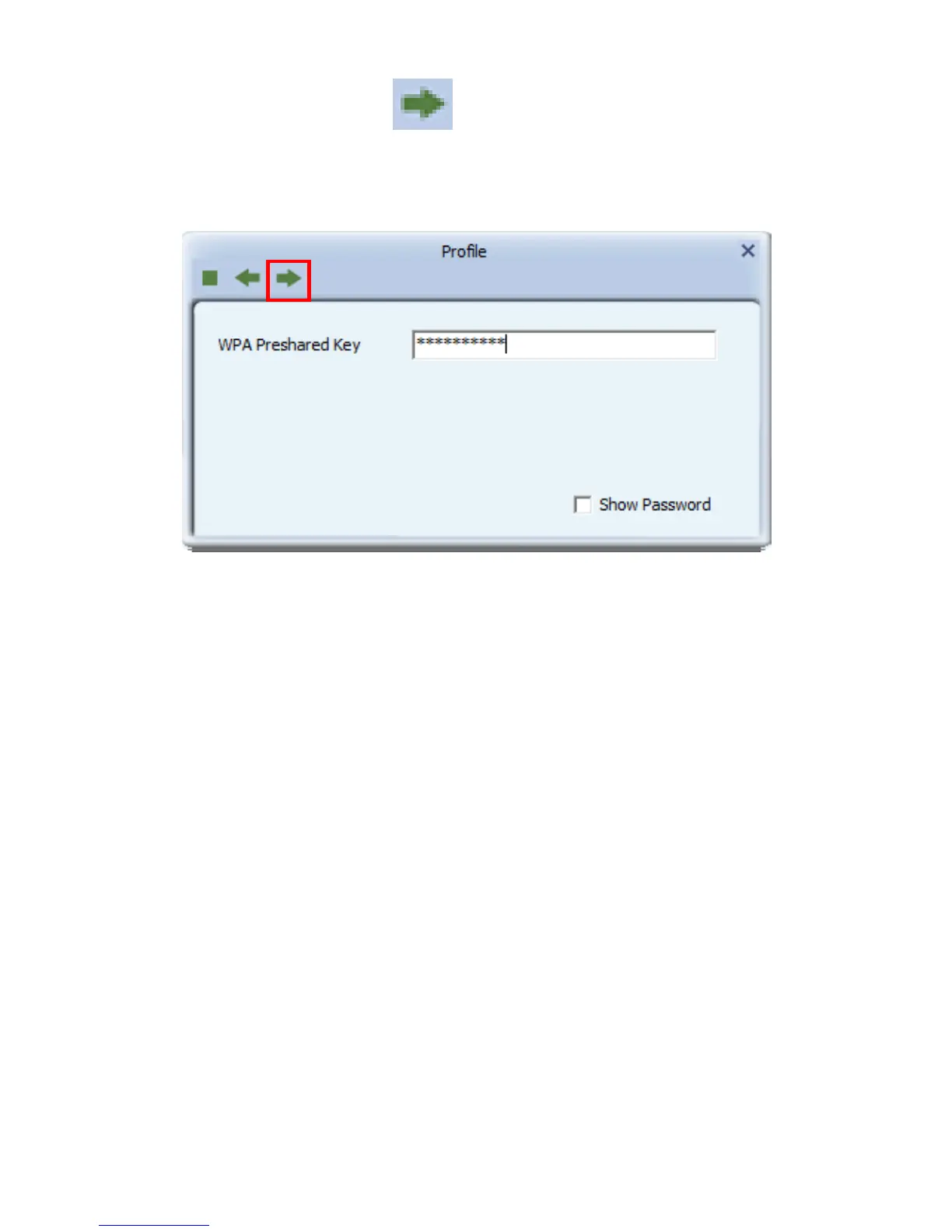
12. Click “Next” to continue. “ ”
LevelOne recommends WPA2-PSK (AES) for maxi-mum security.
Chapter 3 System configuration
The USB Wireless Adapter provides two modes: Station mode and Access
Point mode, the default is Station mode. You can select remote wireless AP to
connect to Internet in station mode. But in the AP mode, the wireless USB
adapter act as a wireless access point which wireless client can connect to
share an Internet connection with others.
Use the LevelOne WLAN Utility to check the link information, search for
available wireless networks, or create profiles that hold different
configuration settings. You can double-click the icon on your desktop to run it.
Another way to start the Configuration Utility is to click Start> All Programs>
LevelOne Wireless> LevelOne Wireless Utility. If the utility is not selected to
install, then you may use the utility your computer has (e.g. windows zero
config)














 To Next Page