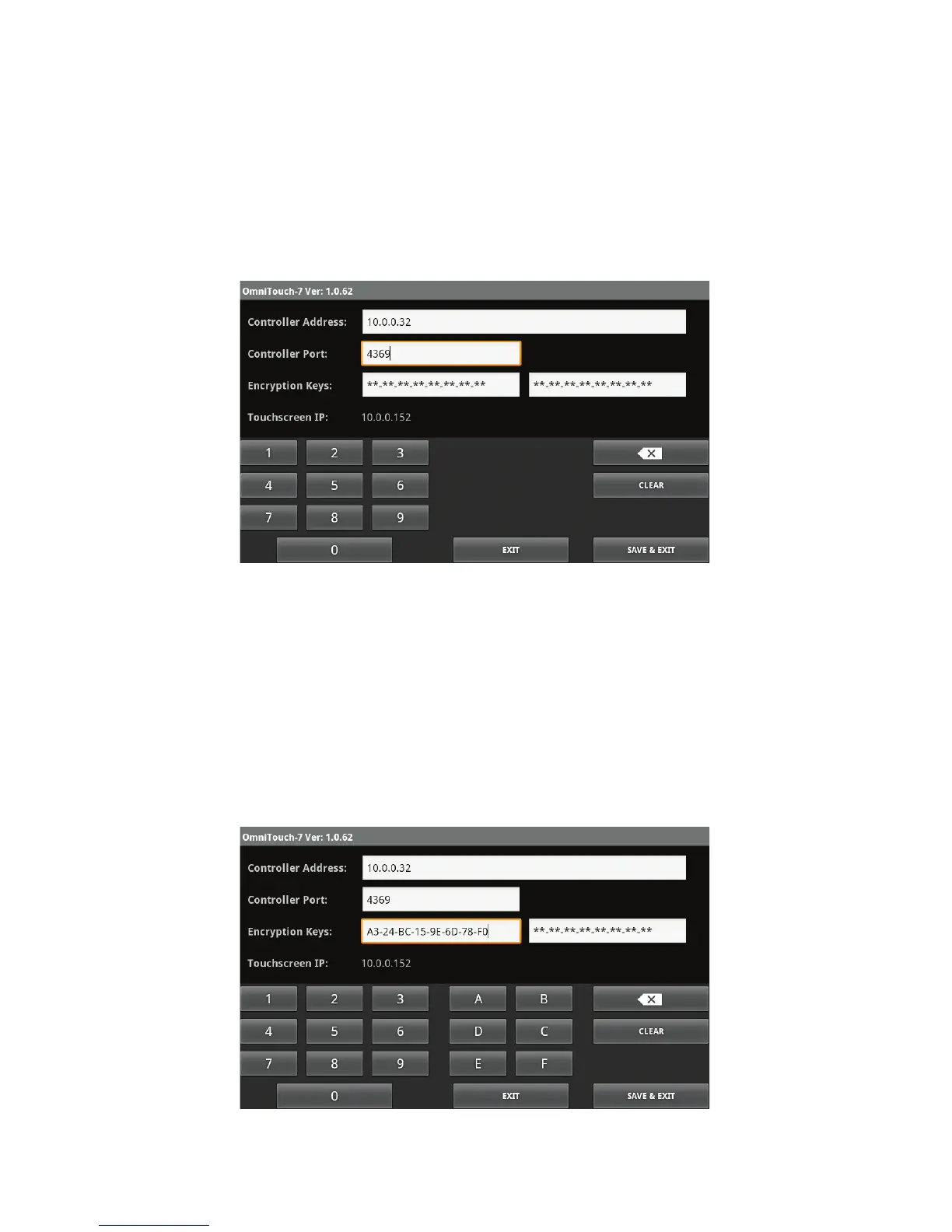
2. Touch the edit box to the right of "Controller Port:" and enter the
port number of the Leviton controller by pressing the respective
keys on the keyboard.
The controller’s local network port number identifies the logical
channel to the Leviton controller. In most installations, the default
port number of "4369" can remain the same. Port numbers range
from 0 to 65535.
3. Touch the first edit box to the right of "Encryption Keys:" and
enter Encryption Key 1 for the Leviton controller by pressing the
respective keys on the keyboard.
The Encryption Keys are used to encrypt and decrypt the data
between the Leviton controller and the OmniTouch 7. This key
consists of 16 bytes (16 2-digit values from 0-9 and/or the letters
A-F). It is entered in two parts consisting of 8 bytes (8 2-digit
values) in each edit box, with each byte separated by a hyphen.
Page 9



 To Next Page