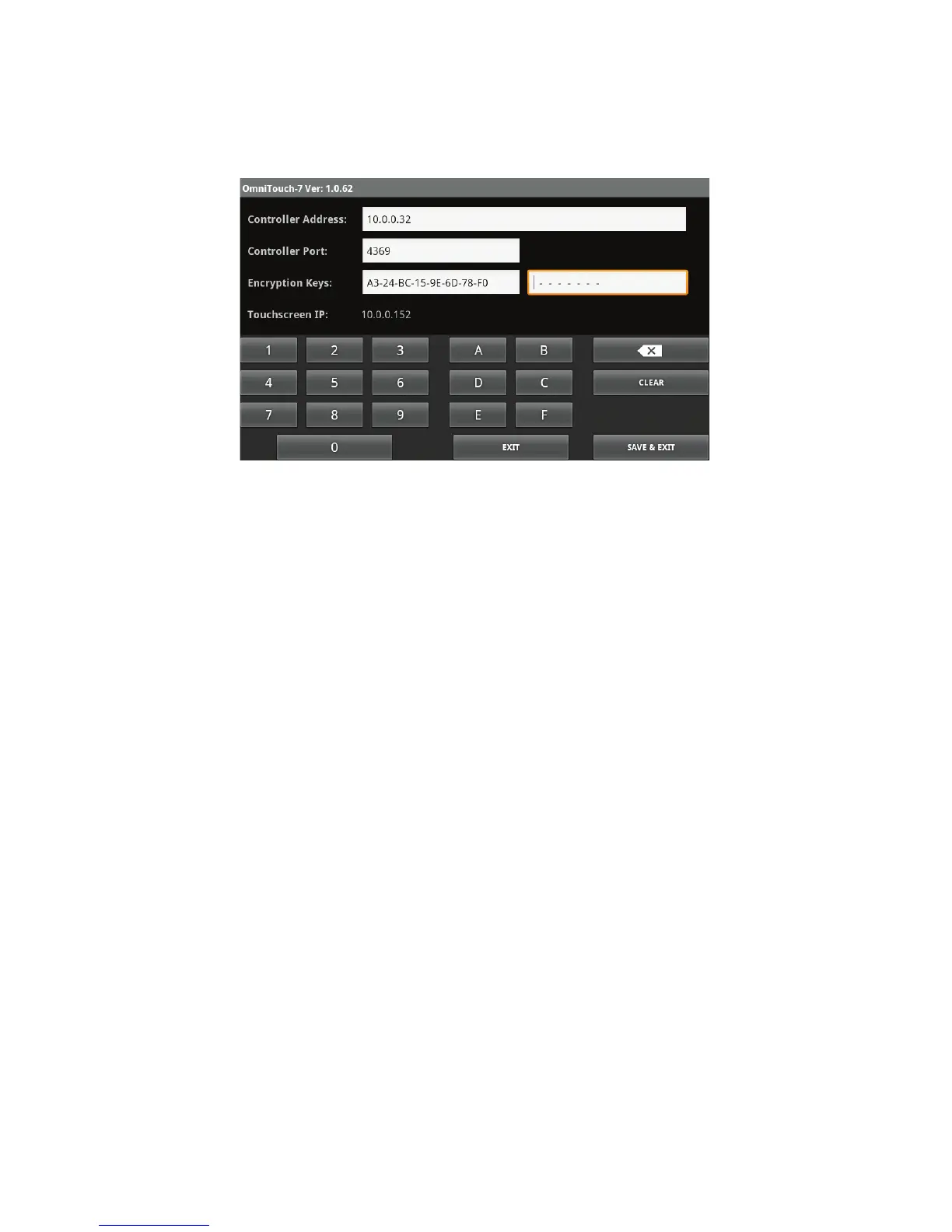
4. Touch the second edit box to the right of "Encryption Keys:" and
enter Encryption Key 2 for the Leviton controller by pressing the
respective keys on the keyboard.
Page 10
5. After all controller connection settings have been entered and
confirmed, press the "Save" button at the bottom right of the
screen to save the settings and connect to the Leviton controller.



 To Next Page