EasyManua.ls Logo

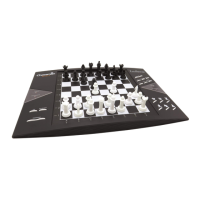
LEXIBOOK CG1300 - Sound Options Control; Game Levels Overview

LEXIBOOK CG1300
Print Icon
To Next Page IconTo Next Page
To Previous Page IconTo Previous Page
Loading...
36
IX. SOUND
If you prefer to play in silence, press SOUND/COLOUR. The computers sound
effects will be silenced. To reactivate the sound, press SOUND/COLOUR again.
The sound will be reactivated the next time you press NEW GAME.
X. LEVELS
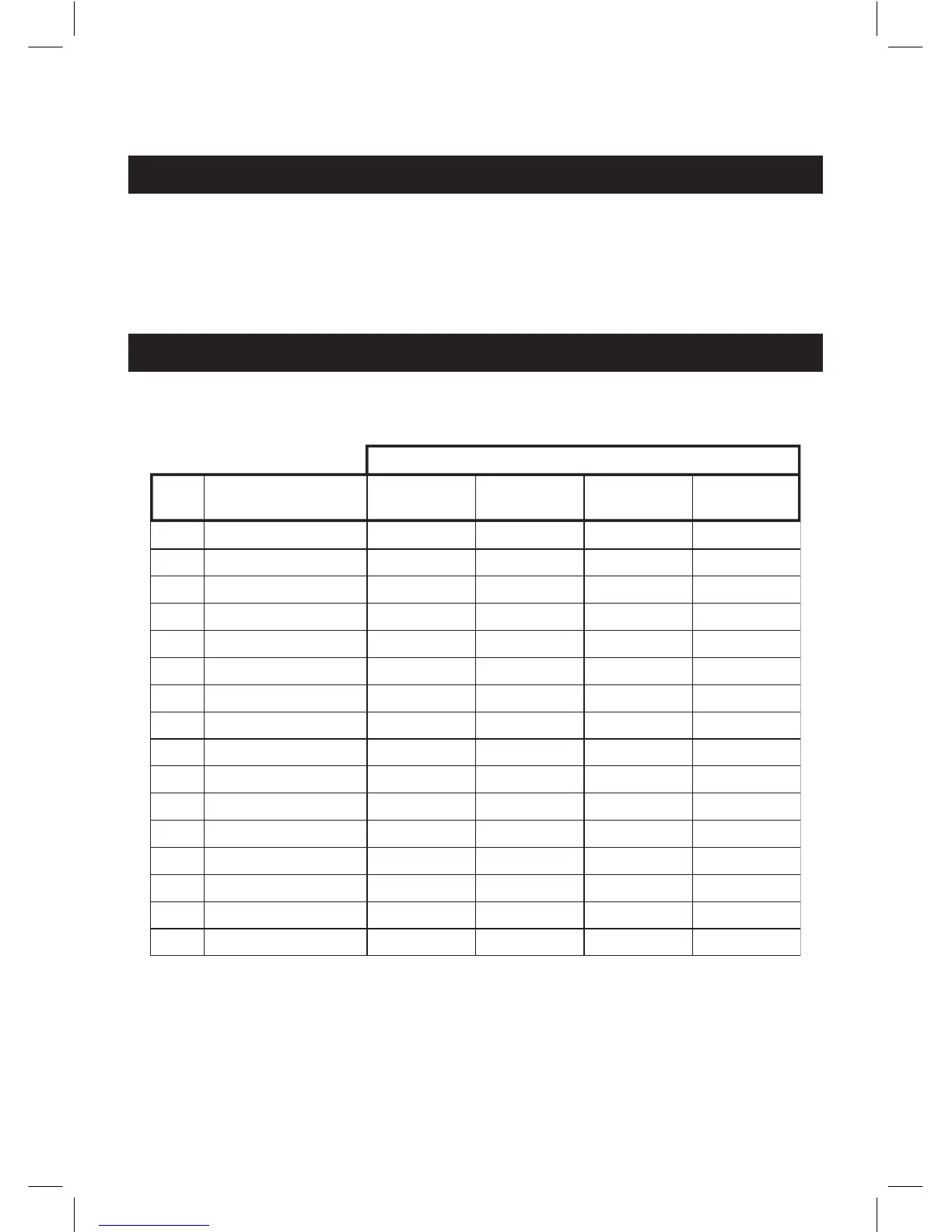
The computer offers 64 levels organised in the following way:
The computer offers 13 different levels and 3 special game levels:
Levels 1 to 5 are aimed at children and beginners. The computer deliberately
makes mistakes, for example moving chessmen to squares where they will be
captured immediately.











 
















 





































CG1300 -1350-F/GB/P/I/E 17/03/04, 10:2036

Table of Contents

Related product manuals