14
7.5 Wildcard searching
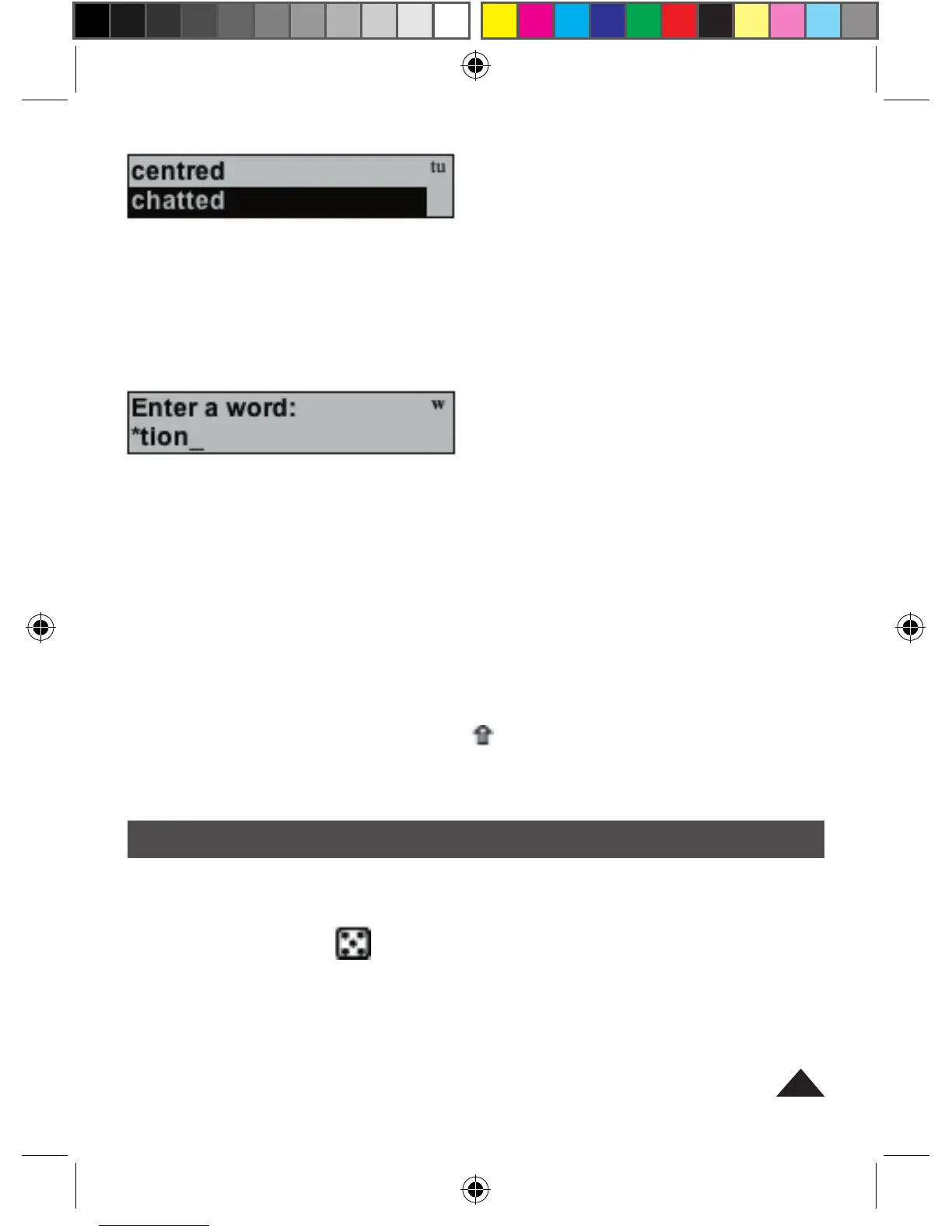
You can type an asterisk ʻ*ʼ in place of a series of unknown letters, at the
start, middle or end of a word. This will enable you to find all words starting,
containing or ending with that letter match. For example, to find all words
ending with ʻtionʼ, type *tion and press ENTER.
To find all words starting with ʻbreʼ , type bre* and press ENTER.
To find all words starting with ʻbʼ and ending with ʻtionʼ, type ʻb*tionʼ and press
ENTER.
The crossword feature can also be used in a similar way. To find all 9-letter
words ending with ʻtionʼ, type ?????tion and press ENTER.
7.6 Anagram Function
After you have spellchecked a word, you can look to see if there are any
anagrams for this word (for example, ʻdogʼ is an anagram of ʻgodʼ). To look
for anagrams, press and hold SHIFT ( ) and press ʻ?ʼ simultaneously. The
display will show Finding anagrams and then show anagrams if available.
Press the down arrow key to scroll the list of anagrams.
8- GAMES
For all the games:
Press the GAME key [ ] to display the games menu. The first game is
displayed: ʻJUMBLEʼ. Select the game you want to play using the arrow
keys. Press ENTER to confirm the game selected. If you want to give-up the
game and reveal the answer, press the SPACE key.
Press ENTER to start a new game or ESC or GAME to view the games
menu or CLR to return to Spell Checking mode and the ʻEnter a wordʼ
prompt.



 To Next Page
 Loading...