7
4.6 Setting the Daylight saving time
Select Daylight Saving Time and press ENTER.
Select on/off accordingly to the Daylight saving time in your country.
4.7 Setting the home currency
1. Select Home currency and press ENTER.
2. You can select your home currency through the list of Euroland currencies
with values pre-entered, compared to 1 Euro. Ex: 1EURO= 40.3399 BEF.
Press ENTER to save your settings.
3. Or you can select your home currency as a non-Euroland currency (AUD,
CAD, GBP, USD). When you press
ENTER on your chosen currency, the
unit prompts:
“Please enter Euro rate:
1EURO=
GBP 0.”
You then can enter the rate of the currency relatively to the Euro and press
ENTER to confirm.
4.8 Auto Power Off
If you forget to switch off the unit, it will switch off automatically after 3
minutes to save the battery life. Press the ON/OFF key to switch the unit
back on. You can change this setting. To do so, select Auto power off in the
user settings menu. Select 1, 2 or 3 minutes and press ENTER.
5- WORLD CLOCK
Press the MENU key. Select WORLD CLOCK and press ENTER.
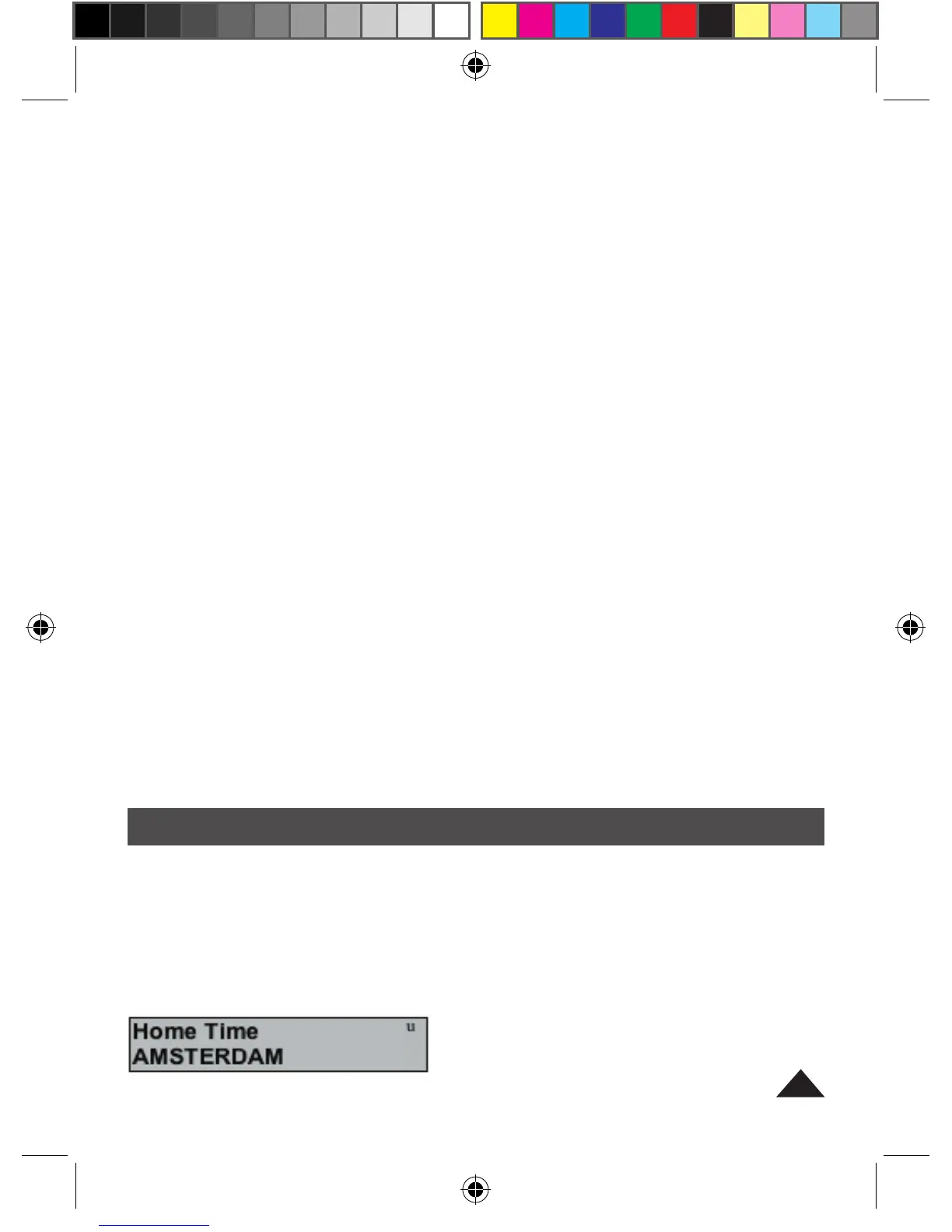
Make sure you have set your home time. Your home time is displayed once
you have set the time (section 4.2) and your user city (section 4.5). When
entering this mode, the following screen is displayed (home time is the
shown first).


 To Next Page
 Loading...