11
DisplayExample Operation
2 + 5 – 3 X 8 ÷ 4 – 7 = 1
23 X 7 M+ 12 ÷ 4 M+ 13 x 2 M- 9 ÷
2 M- MRC MRC
133.5
3 X = = X 2 ÷5 = = = = = 0.01728
360 x 85 % 306
360 x 2 % + = 367.2
360 x 15 % - = 306
5 RATE TAX+ 5
RATE TAX- 5
100 TAX+
105
150 TAX- 142.857142857
(-8X85) – 233
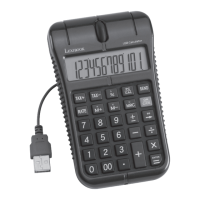
Send the result to
in a spreadsheet or
Word
®
file.
-913
8
to clear all previous entries.
Power source:
1 AG10 battery.
To replace the battery, open the battery compartment at the back of the unit using a
screwdriver.
Insert a new battery (+ side facing up) and close back the battery compartment. Tighten
the screw.
Automatic switch off:
If no key is pressed, the calculator will switch itself off automatically after approximately
8 minutes.
Abnormal Conditions
If this calculator is exposed to a powerful external electric field or shock during use, an
abnormal condition may occur in which all the keys, including ON/C/CE, do not function.
In this case, reset the unit by removing the battery and inserting it again.
ENGLISH


 To Next Page