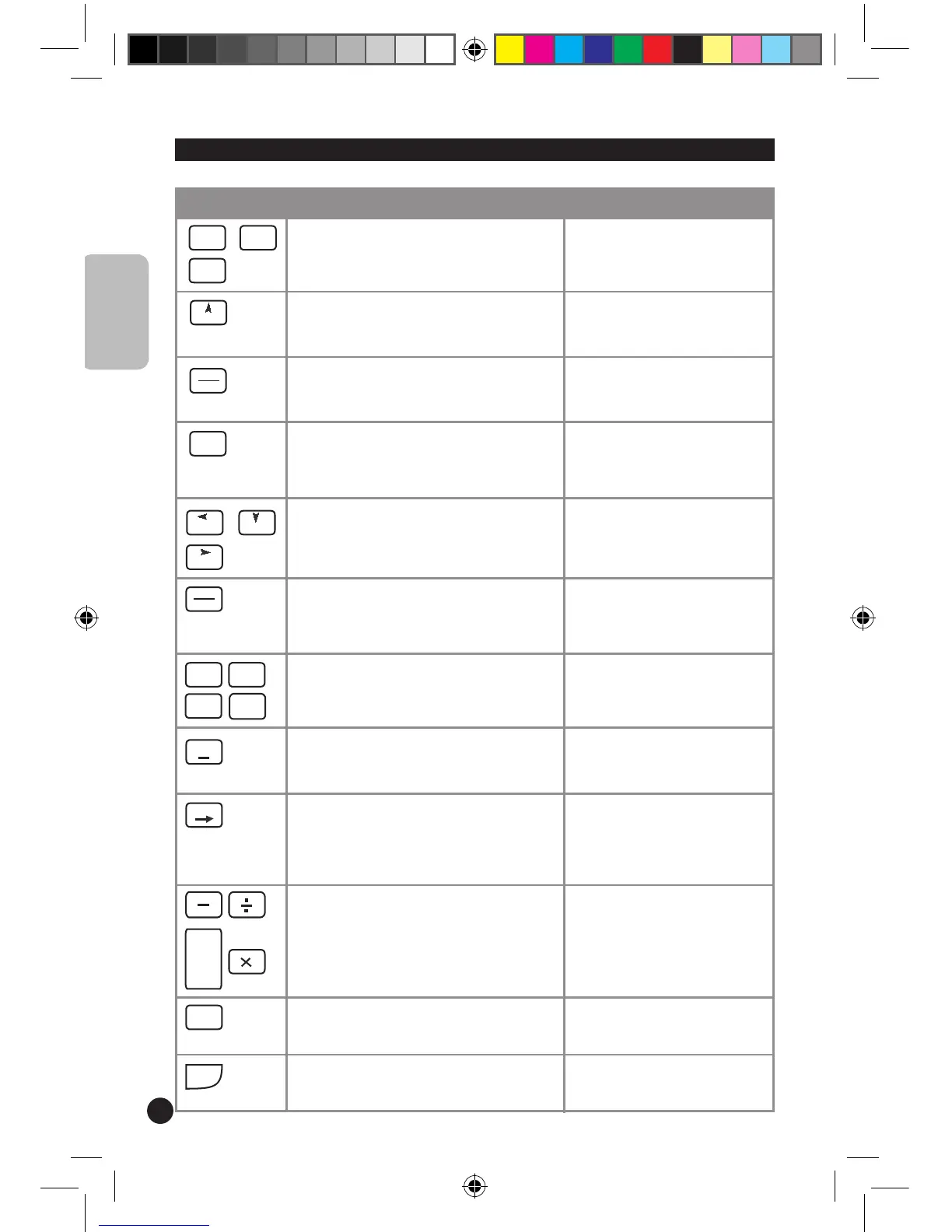
To perform tax calculations using a tax rate
set by the user.
No function.
To perform operations with percentage
values.
Equivalent to the up arrow key
on a PC keyboard.
To go from calculator mode to PC mode. To go from PC mode to calcula-
tor mode.
To send the results displayed on the
calculator to an Excel
®
spreadsheet or
Word
®
file.
No function.
To perform memory operations. Equivalent to the arrow keys on
a PC keyboard.
To clear all entries and the memory. To turn
the unit on.
No function.
To type in numbers. To type in numbers.
To change a positive number to negative,
or vice versa.
To insert a negative sign before
a number.
To erase the last digit entered. To delete the last character
typed. Equivalent to the
Backspace key on a PC
keyboard.
Operator keys. To enter the operation signs.
To quickly enter hundreds. To quickly enter hundreds.
To get the result to a calculation. Equivalent to the ENTER key
on a PC keyboard.
ENGLISH


 To Next Page