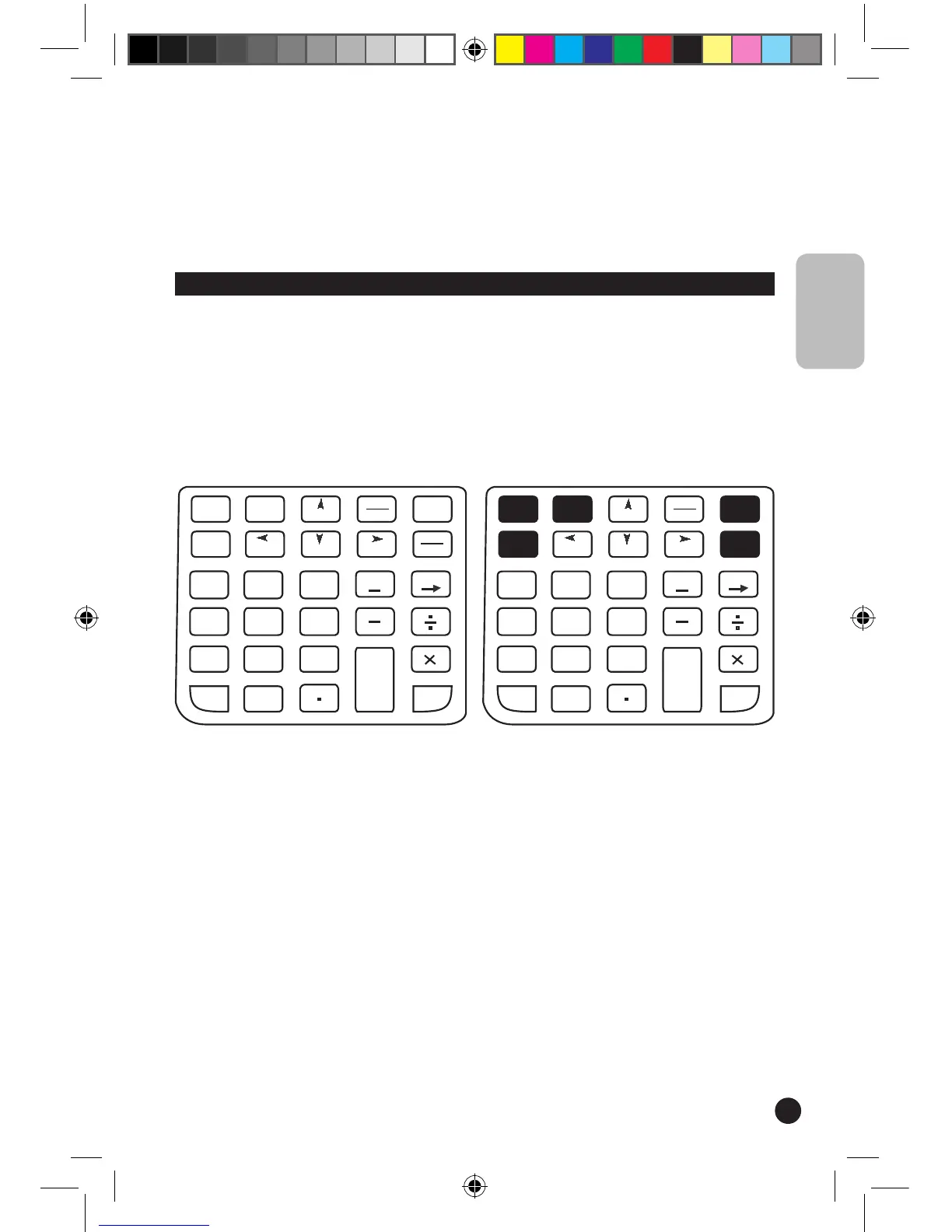
Keys available in calculator mode
• Roll the wheel down to move down in a scrollable document and roll the wheel up to
move up in a scrollable document.
Auto scroll: press the wheel button to automatically move around in a document, without
rolling the wheel or clicking the scroll bar.
To stop auto scrolling, press the wheel button again or press a key on the keyboard.
Calculator
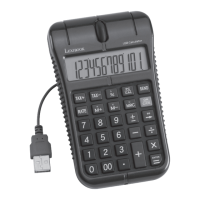
The Lexibook
®
USB Mouse Calculator is both a traditional calculator and a PC calculator.
In PC mode, its keys are equivalent to the corresponding keys on the keyboard of your
PC when you perform calculations in a Word
®
or WordPad
®
document or Excel
®
spreadsheet. The SEND key also allows you to send the results obtained in calculator
mode to a text file or to a field in a spreadsheet.
ENGLISH


 To Next Page