EasyManua.ls Logo

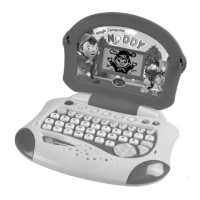
LEXIBOOK JC40GB NODDY MAGIC COMPUTER - Playing the Activities; Letters and Words; Math; Logic

LEXIBOOK JC40GB NODDY MAGIC COMPUTER
6 pages
Print Icon
To Next Page IconTo Next Page
To Previous Page IconTo Previous Page
Loading...
6
7
PLAYING THE ACTIVTIES
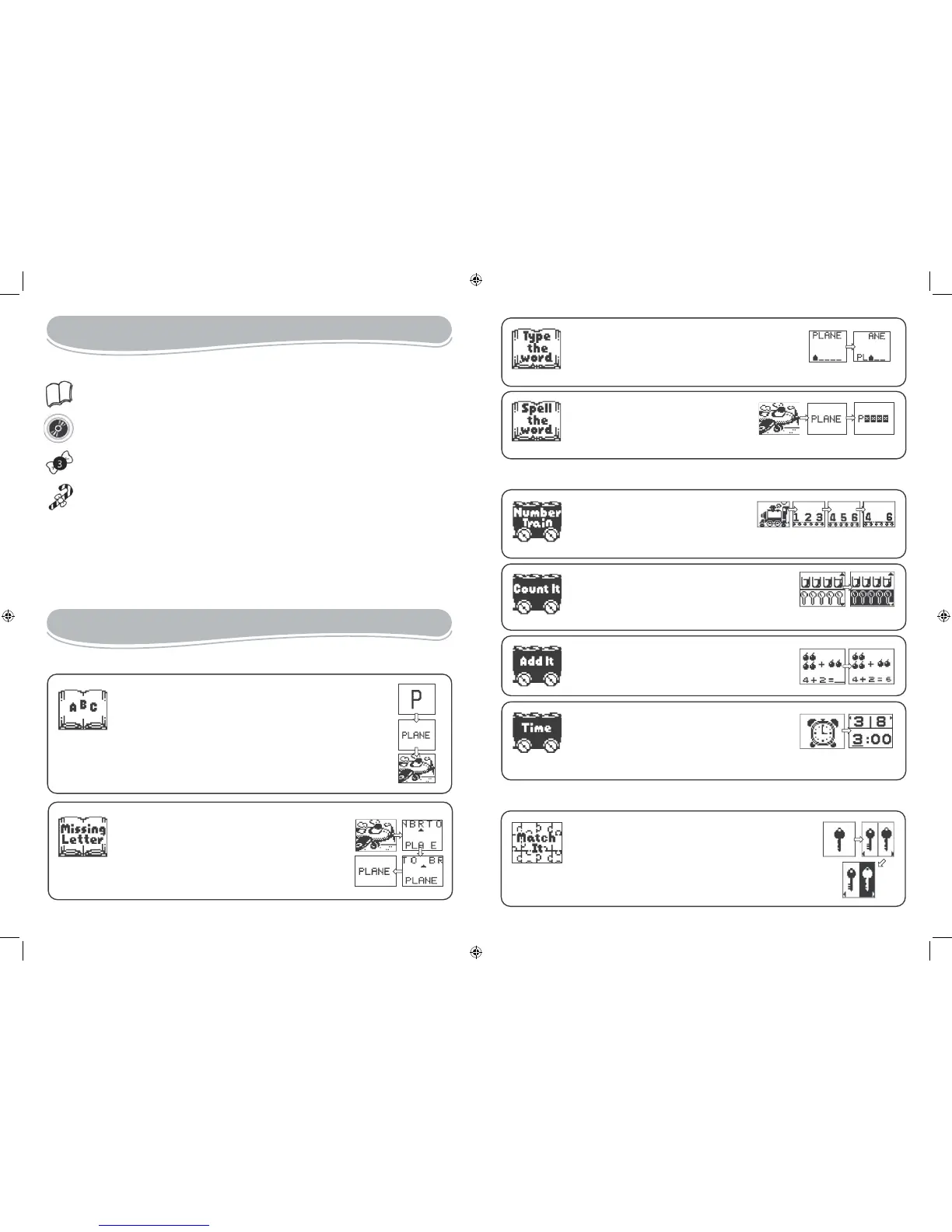
The icons located on the left side of the screen have several meanings:
Thebook” icon indicates a computer based category.
TheCD-ROMicon indicates a CD-ROM based category.
The “knot” icon shows the category number (only for the computer based activities).
Thecandy icon shows the number of good answers.
The child has up to 3 tries to find the correct answer to a question. After 6 good answers,
Noddy congratulates the child with an animated graphic. The child can then choose to
carry on with the same activity or return to the main menu. Move the arrow to select the
option of your choice and press Enter.
Note: At anytime, you may press ESC to exit or a category key to switch to another category.
ACTIVITY LIST
1 - Letters and Words

         

 






2 - Math


        
        
          

3 - LOGIC
JC40GBIM0025.indd 6-7 18/01/2006 09:53:26

Related product manuals