Copyright © Lexibook 2008
3
Copyright © Lexibook 2008
4
English
English
GETTING STARTED
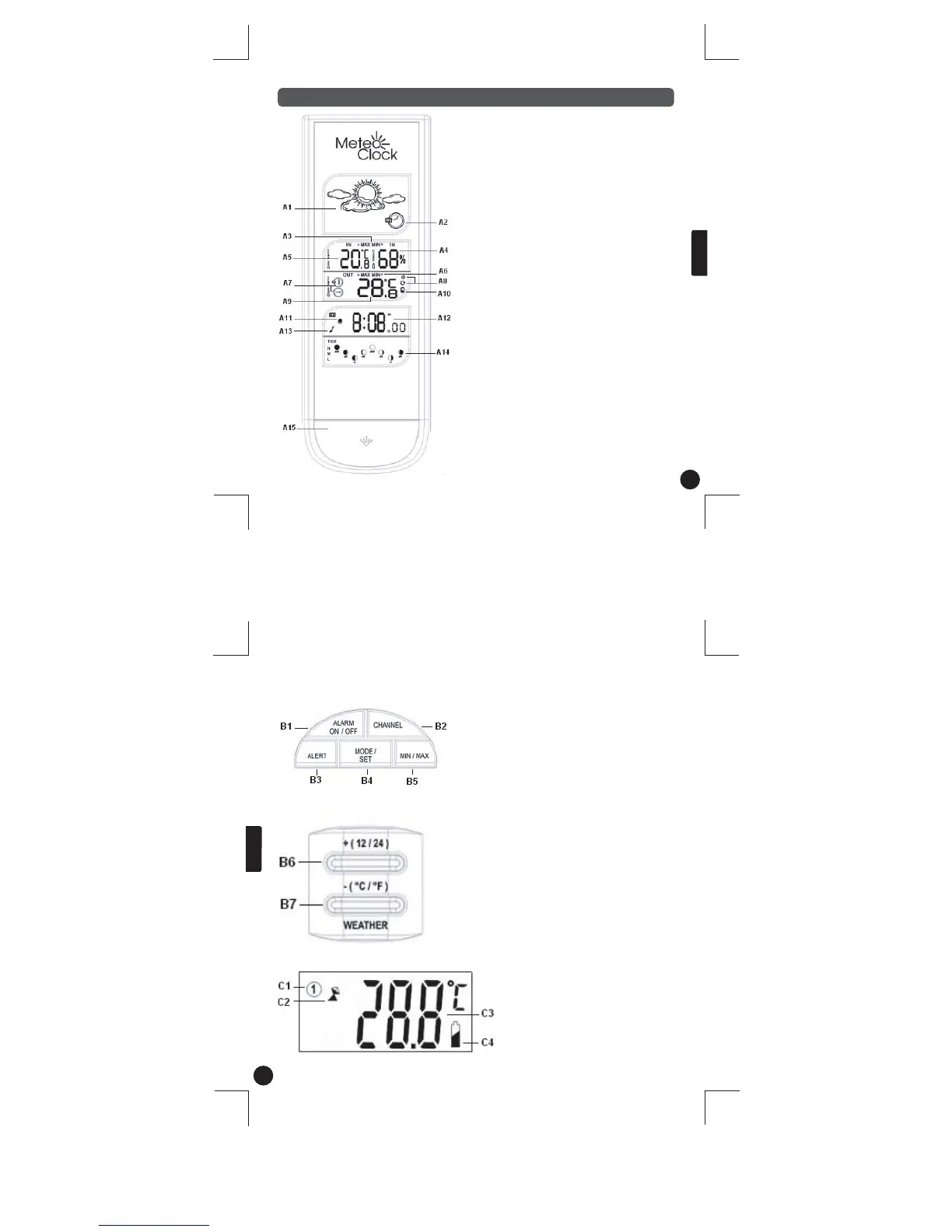
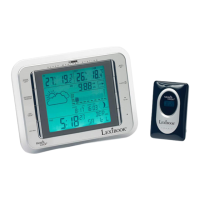
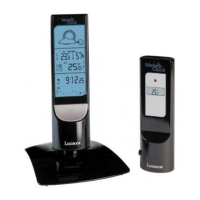
A. Main unit LCD Display
A1 – Animated weather forecast symbols
A2 – Pressure trend indicator
A3 – Indoor Max/Min temperature & humidity
memory
A4 – Indoor Humidity
A5 – Indoor temperature
A6 – Outdoor Max/Min temperature memory
A7 – Remote sensor channel # (CH) &
outdoor temperature trend
A8 – Alternate channel display & signal search
A9 – Outdoor Temperature
A10 – Low battery indicator
A11 – Alarm mode
A12 – Time Display
A13 – Alarm on/off icon
A14 – Tide and moon phase indicators
A15 – Blue backlit
B1 – Alarm on/off: to turn the alarm on/off
B2 – Channel: to toggle between channel 1, 2 and 3.
B3 – Alert: to set the temperature alert.
B4 – Mode/Set: to enter and set the time, date, and
alarm clock.
B5 – Min/Max: to enter the max/min outdoor and indoor
temperature, plus the max/min indoor humidity
records.
* Located on top of the main unit
B bis . Main unit back keys **
B6 – +(12/24) button: to adjust the alarm clock and the
alert, to select the 12/24 display mode. Press and hold to
adjust digits at a faster rate.
B7 – - (
o
C/
o
F) button/Weather: to adjust the alarm clock
and the alert, to select
o
C or
o
F in indoor and outdoor
temperature display. Press and hold to adjust digits at a
faster rate.
** Located at the back of the main unit
B. Main unit function keys *
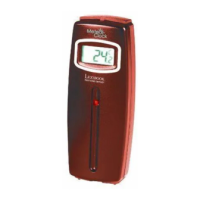
C- Sensor unit – LCD Display
C1 – Channel number
C2 – Automatic learn function icon
C3 – Outdoor temperature
C4 – Low battery indicator


 To Next Page