29
English
If you do not live in Europe (or fall outside the England or France time zones), you will have to set
the time and date manually.
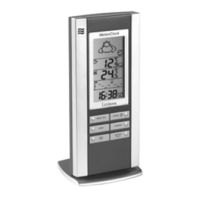
• In CLOCK 1 mode, press and hold down the key for 3 seconds. The time will begin to
ash.
• Press the key to set the time and press the key to set the minutes.
• Press the key to select the hour format displayed (12 or 24 hours).
• Press the key to set the date and month.
• Press the key to set the month and the to set the date.
• Press the key to activate or deactivate daylight saving time. The DST icon
appears when daylight saving time is activated and the clock will move forward by one hour.
• Press the key, the year will ash. Press the or key to set the year.
• Press the key to set the city (please refer to the list of abbreviations of the cities found
at the end of the manual to nd the city closest to your home). Press the or key
to select the city.
• Press the key to set the altitude. Press the or key to enter the
correct altitude and validate your settings by pressing the key.
CLOCK MANUAL SETTING


 To Next Page