24
English
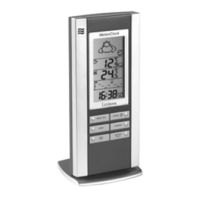
Scrolling through the menus
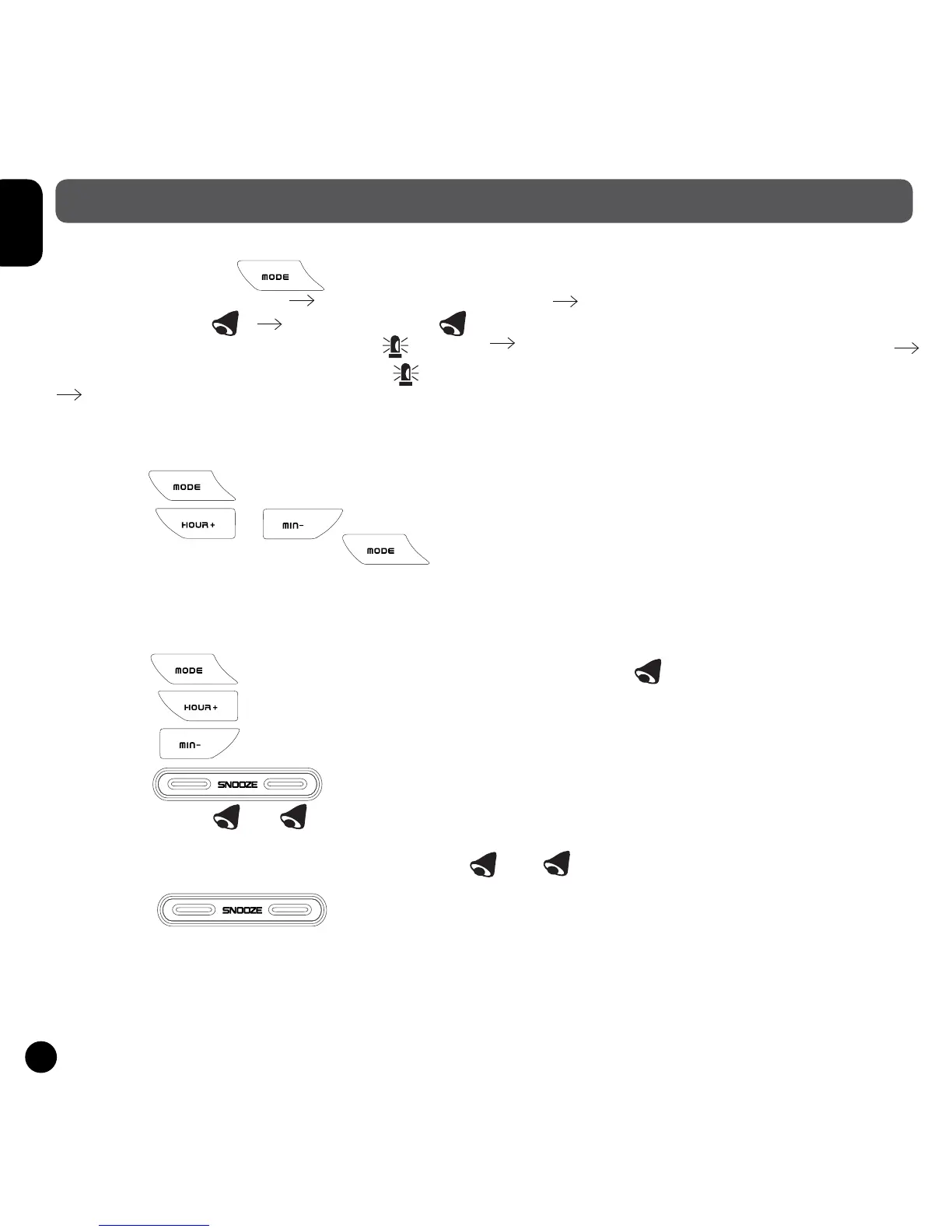
When you press the key, the menu will scroll by in the following order:
Clock 1 mode (CLOCK 1) Clock 2 mode (CLOCK 2)
Alarm 1 mode 1 1 Alarm 2 mode 2 2
Indoor temperature alarm mode (the icon will appear and the temperature will begin to ash)
Outdoor temperature alarm mode (the icon will appear and the temperature will begin to ash)
Clock 1 mode.
Setting Clock 2 (second time indicator)
• Press the key several times until CLOCK 2 appears to the right of the time.
• Press the or to set the time of another time zone (by increasing/decreasing
the time of Clock 1). Press the key to validate time.
Setting Alarms 1 and 2
• You can set 2 alarms.
• Press the key several times until the alarm 1 or 2 icon 12 is displayed.
• Press the key to set the hour of the alarm.
• Press the key to set the minutes of the alarm.
• Press the key to activate or deactivate the alarm. When an alarm is activated,
the bell symbol 1 / 2 and the icon ON will appear.
• When an alarm rings, the corresponding icon 1 or 2 will ash.
• Press the key to repeat the alarm. It will ring again 5 minutes later.
• Press ANY OTHER KEY to deactivate the alarm. If the alarm is not stopped manually, it will
automatically stop ringing after one minute.
OTHER FUNCTIONS


 To Next Page