Step 2. Start an intercom talk
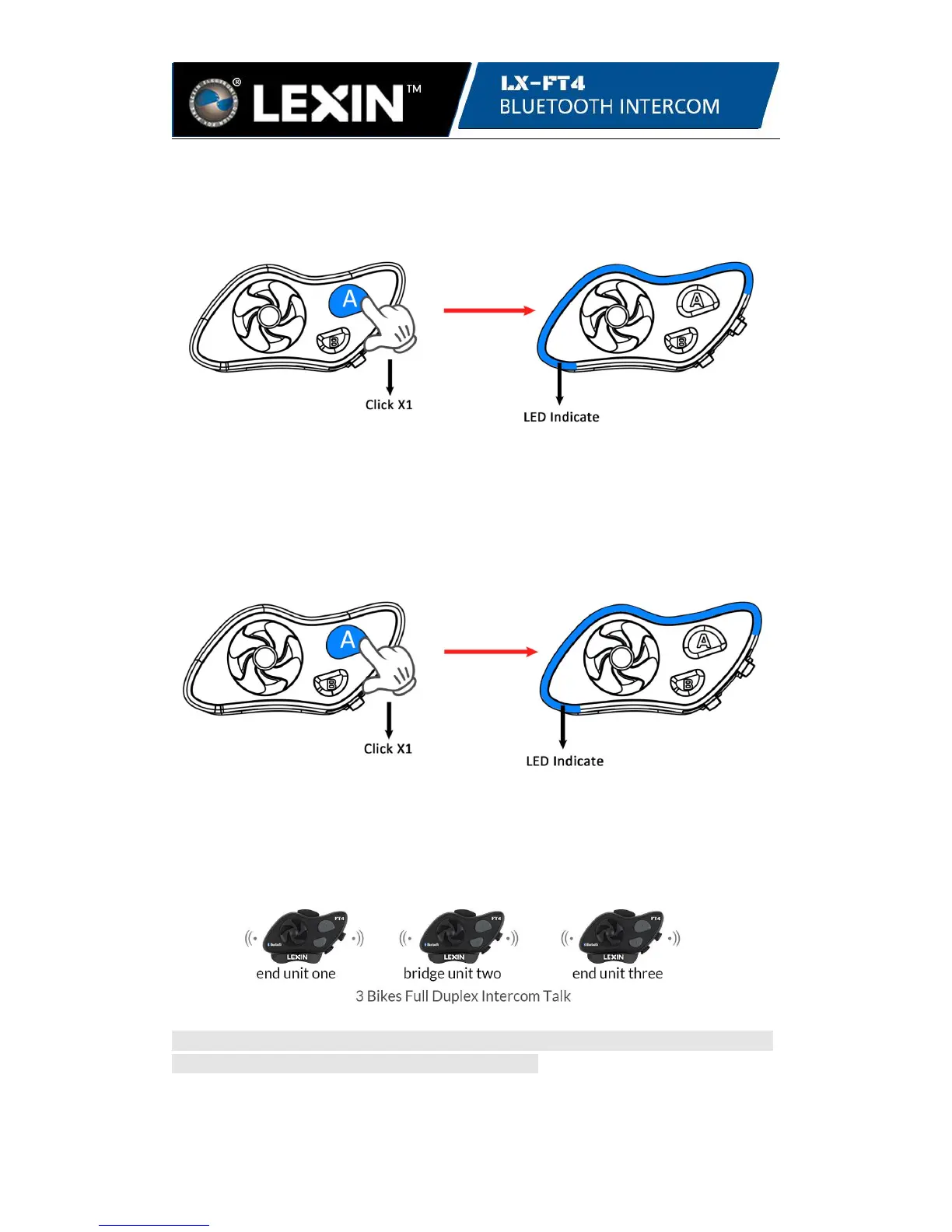
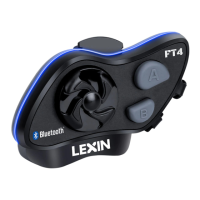
Click the A button on either unit to start intercom talk. When in an intercom talk, you
can see the LED will flash 3 times in blue every 3 seconds on both units.
unit one or unit two unit one and unit two
Step 3. Disconnect an intercom talk
Click the A button or Jog Dial button on either unit to disconnect. When disconnected
you will see the LED blinking blue on both units.
unit one or unit two unit one and unit two
Tips: Before pairing, please mark the different number on each LX-FT4 unit like the
above photo for better understanding of operation.


 To Next Page