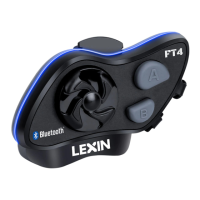
• LX-FT4 Main unit
• Stereo HD Speaker with Interchangeable Microphone for Open Face Helmet or Full
Face Helmet
• USB Charging Cable
• Mounting Bracket & 3M Double Side Tape
• Boom microphone Holder
• Speaker Pad
• Allen Wrench
• User Manual
3. Installation Instructions
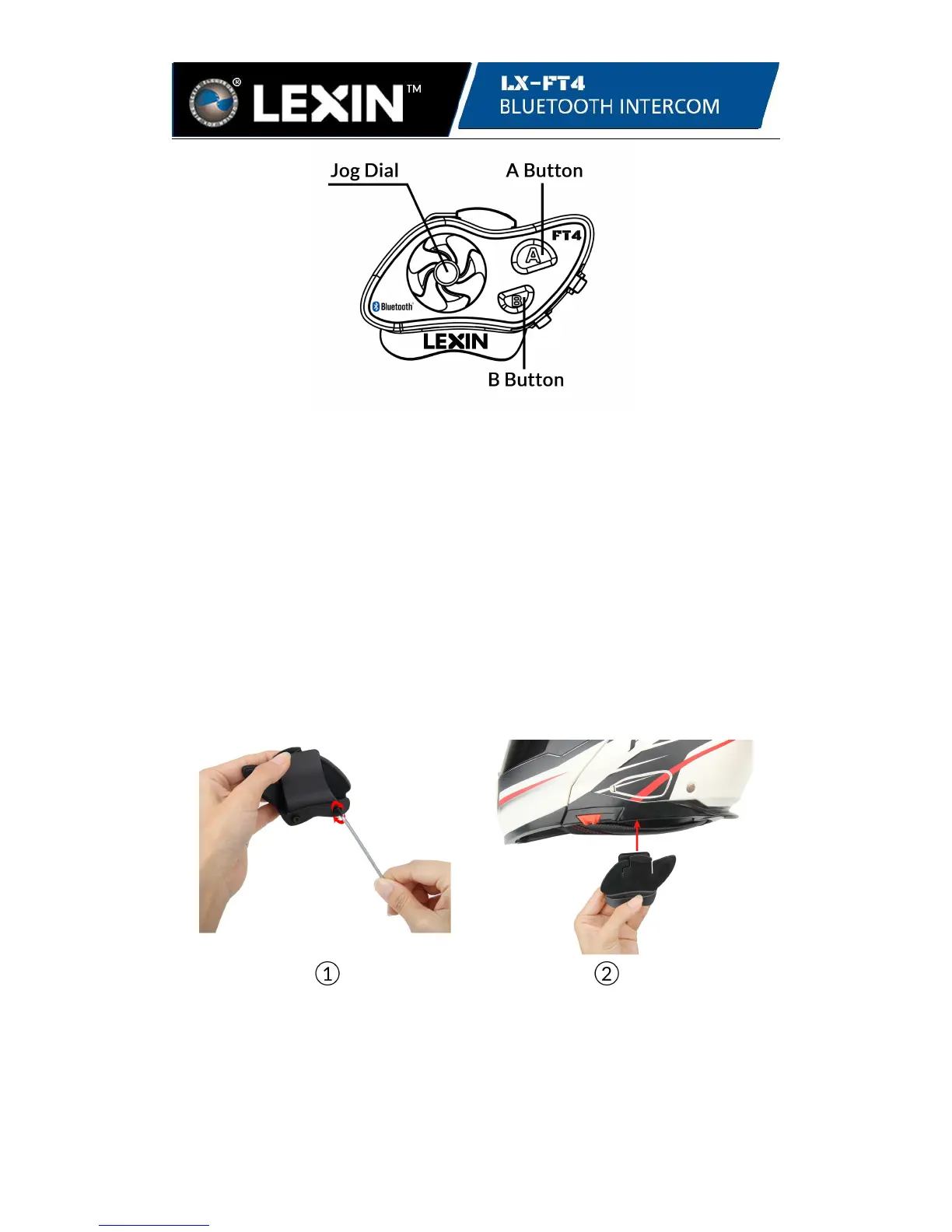
3.1.1 Mount the bracket between the internal padding and external shell of the helmet,
and tighten the two screws between the bracket and clamp plate by using the allen
wrench.
Note: Depending on the size and shape of your helmet, you may need to change the
thickness of the rubber pad between the clamp plates. You can find two extra rubber
pads in the box. To increase the overall thickness, attach the thinner one to the
original rubber pad or replace the original rubber pad with the thicker one.


 To Next Page