Step 3. Pairing unit two with unit three
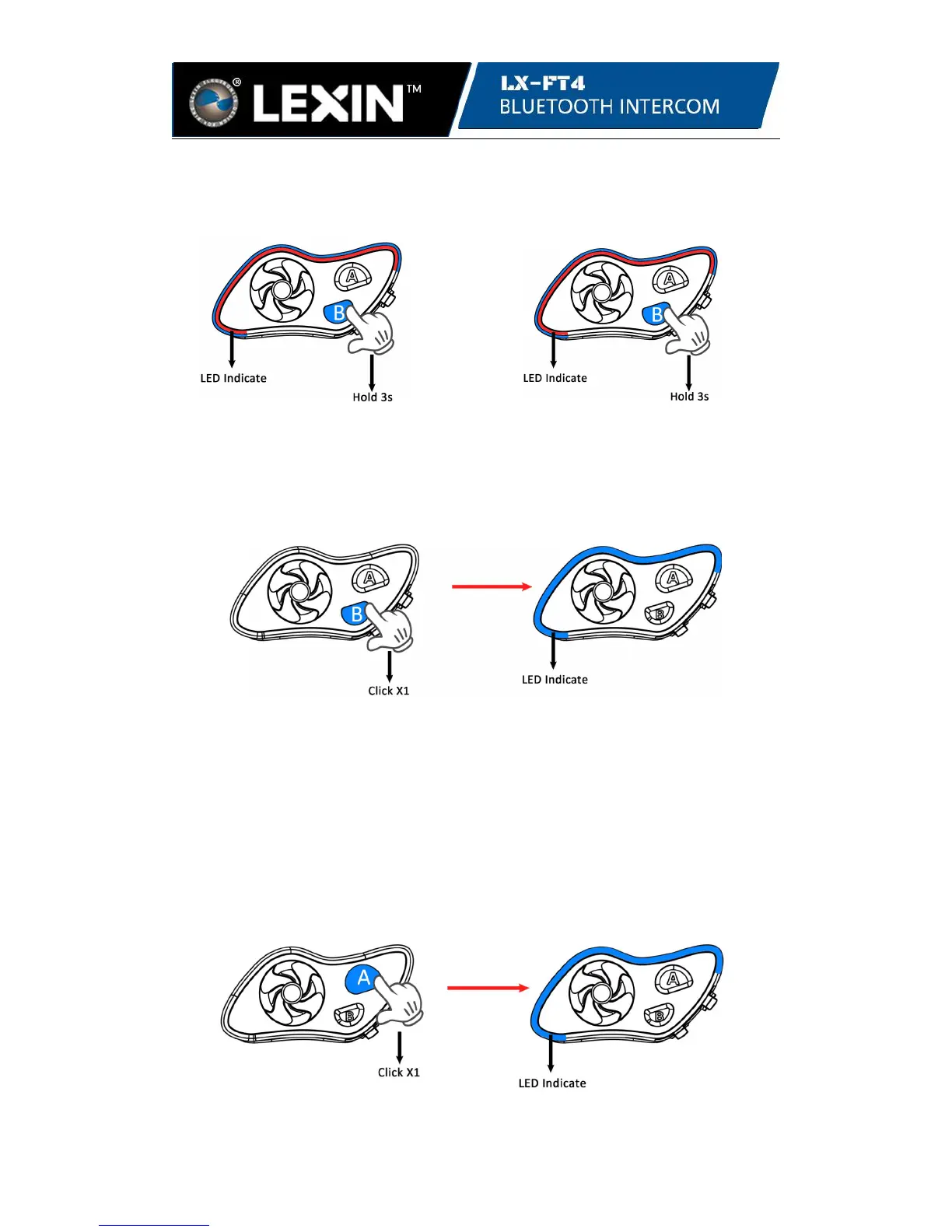
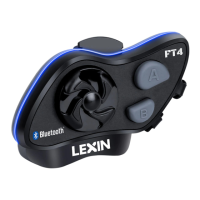
With both units powered on, press and hold the B button on unit two for 2 seconds
until the LED is flashing blue and red, then do the same on unit three to enter pairing
mode on both units.
unit two unit three
Click the B button on either unit to pair. Once pairing starts, the LED on the unit
clicked will flash only blue. When the LED is blinking blue on both units, then
pairing is complete and successful.
unit two or unit three unit two and unit three
Step 4. Start intercom talk
After all four units are paired, unit two and unit three have been set as bridge units.
For four riders intercom talk, we would recommend to start intercom talk through the
bridge unit two and bridge unit three.
4.1 Connect unit one with unit two:
While in standby mode, click the A button on unit two or unit one. Once connected,
the LED will flash 3 times in blue every 3 seconds on both units.
unit one or unit two unit one and unit two


 To Next Page