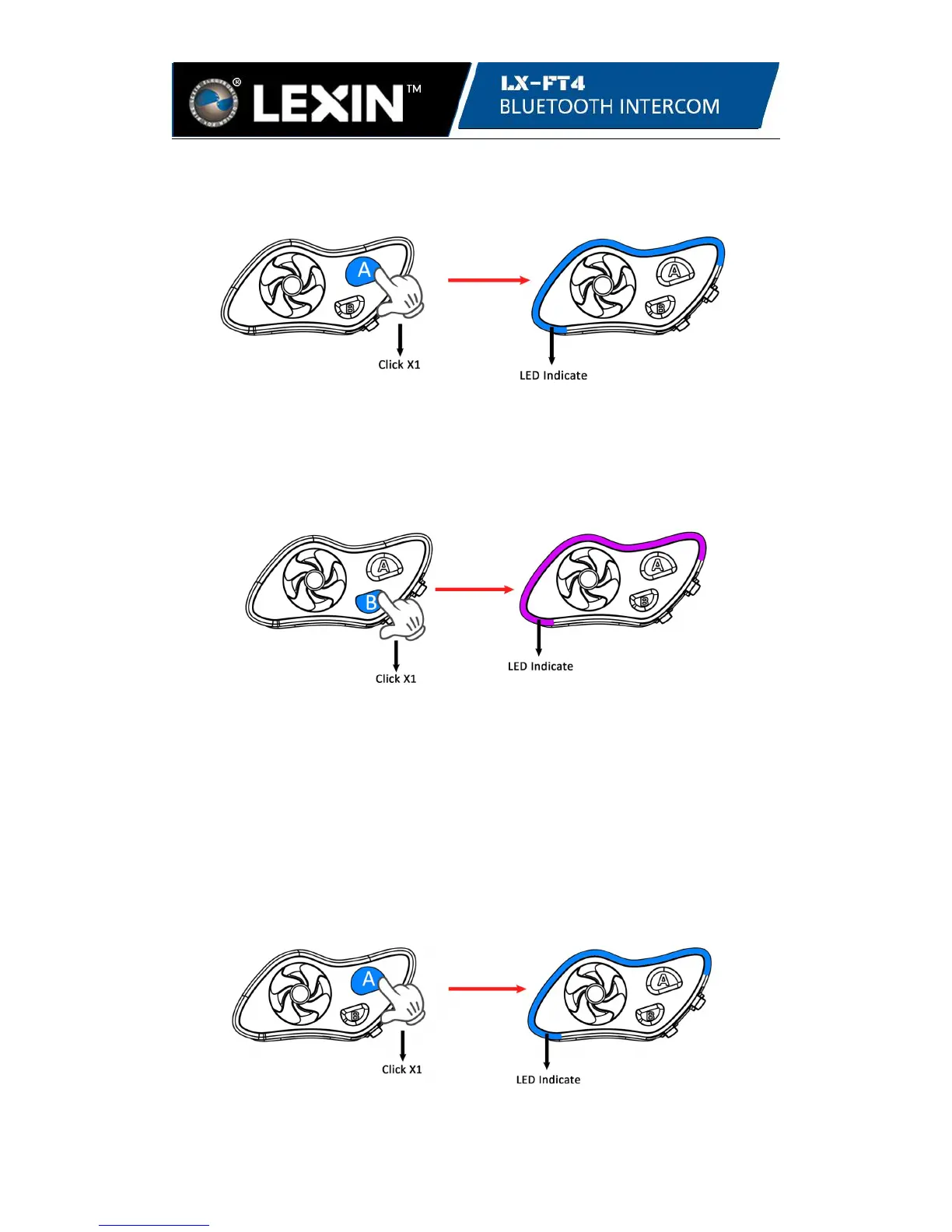
4.2 Connect unit three with unit four:
While in standby mode, click the A button on either unit three or four. Once
connected, the LED will flash 3 times in blue every 3 seconds on both units.
unit three or unit four unit three and unit four
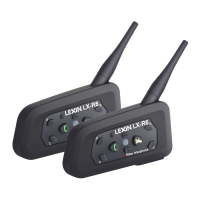
4.3 Connect bridge units two and three:
While in standby mode, click the B button on either unit two or unit three to connect.
Once connected, the LED will turn purple on both units and flash 3 times every 3
seconds.
unit two or unit three unit two and unit three
Tips: To connect Bridge units, click the B button. To connect Bridge unit with End
unit, click the A button on the end unit.
Note: The LED light on the bridge unit 2 and unit 3 will flash in purple when they
stay connected with two units.
Step 5. Disconnect the intercom talk
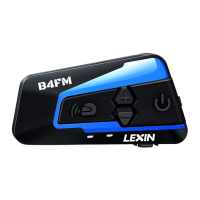
5.1 To disconnect unit one and unit two, click the A button or Jog Dail button on unit
one, or click the A button on bridge unit two. While the other three units stay
connected.
unit one or unit two unit one and unit two


 To Next Page