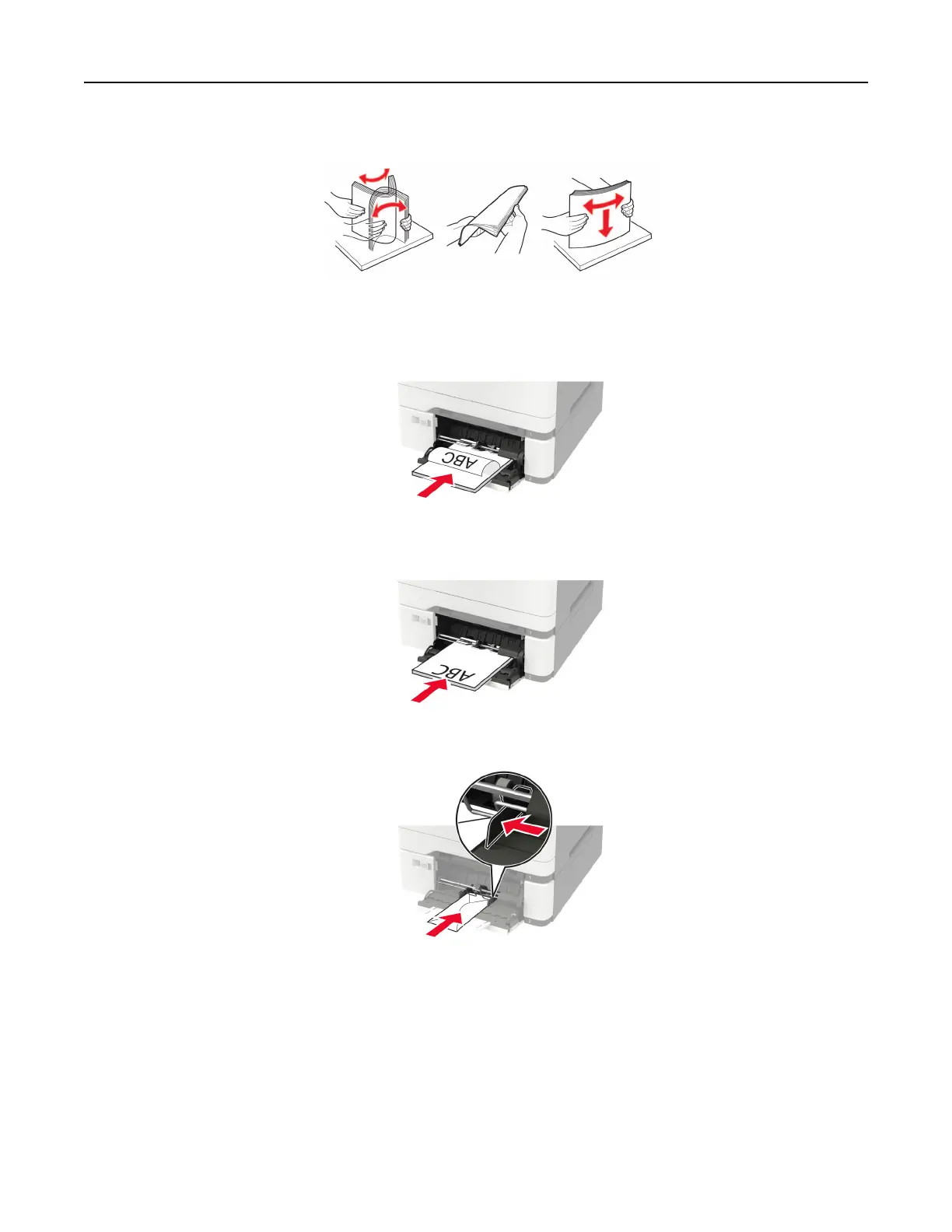
3 Flex, fan, and align the paper edges before loading.
4 Load paper with the printable side facedown.
• Load letterhead with the printable side facedown and the top edge entering the printer first for one‑sided
printing.
• Load letterhead with the printable side faceup and the top edge entering the printer last for two‑sided
printing.
• Load envelopes with the
flap
side up and against the right side of the paper guide.
Warning—Potential Damage: Do not use envelopes with stamps, clasps, snaps, windows, coated
linings, or self‑stick adhesives.
5 From the control panel, set the paper size and paper type to match the paper loaded.
Loading paper and specialty media 33




 To Next Page