526
3-3. Using the Lexus Display Audio system
Speaking on the phone
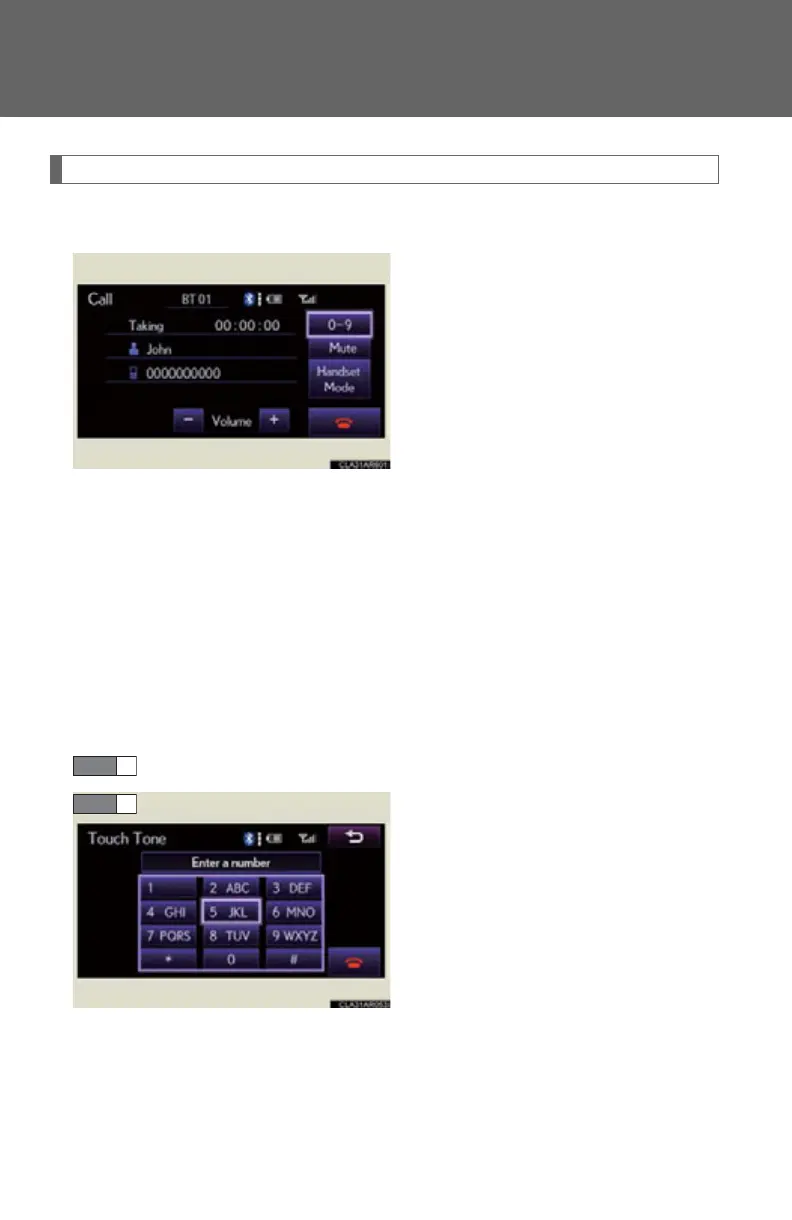
The following screen is displayed when speaking on the phone.
■ To adjust the receiver volume
Select “-” or “+”. You can also adjust the volume using the steering
switches or the volume knob.
■ To prevent the other party from hearing your voice
Select “Mute”.
■ Inputting tones
When using phone services such as an answering service or a bank,
you can store phone numbers and code numbers in the phonebook.
Select “0-9”.
Input the number.



 To Next Page