527
3-3. Using the Lexus Display Audio system
3
Interior features
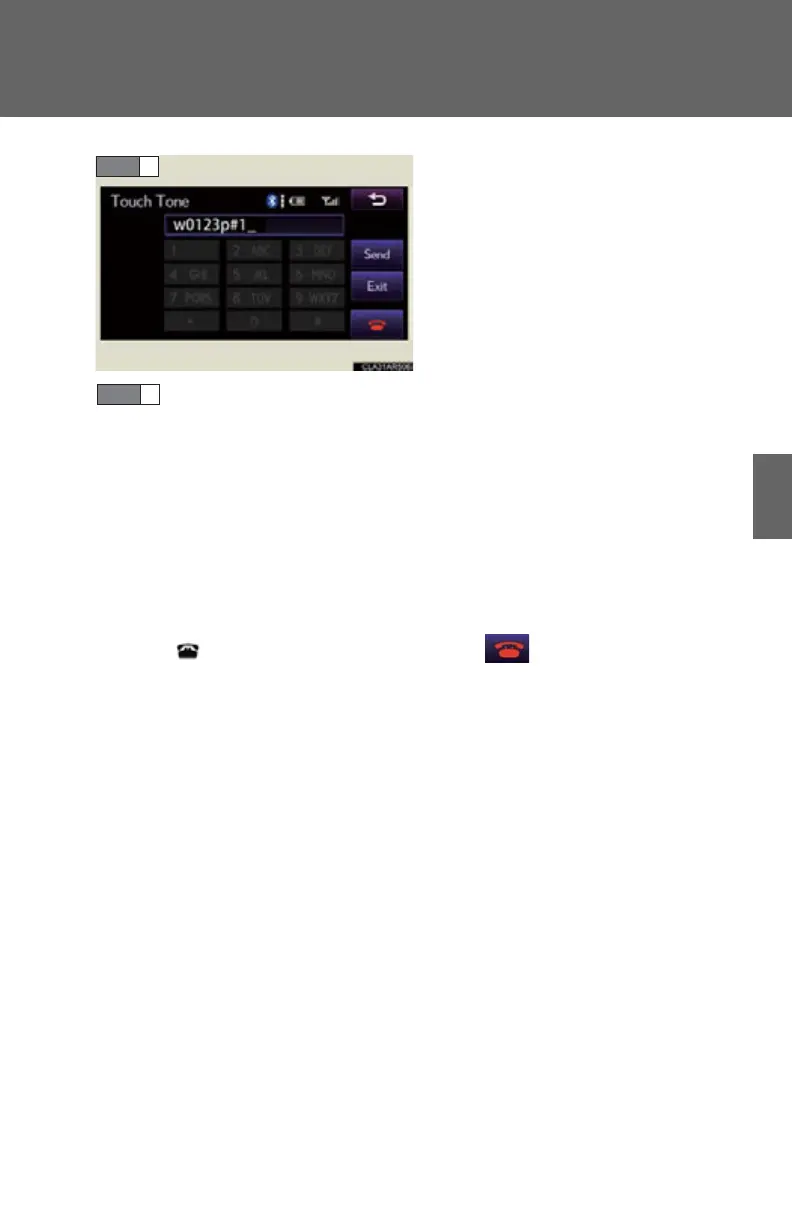
If repeated tone symbols* are
stored in the phone book, “Send”
and “Exit” are displayed on the
right side of the screen.
*: Repeated tone symbols are symbols
or numbers displayed as p or w,
that come after the phone number.
(e.g. 056133w0123p#1
)
Confirm the number displayed on the screen, and select “Send”.
If you select “Exit”, this function will end.
■ To transfer a call
Select “Handset Mode” to change from Hands-free call to mobile
phone call.
Select “Handsfree Mode” to change from mobile phone call to Hands-
free call.
■ To hang up
Press on the steering wheel or select .
STEP 4



 To Next Page