534
3-3. Using the Lexus Display Audio system
For PBAP incompatible Bluetooth
phones
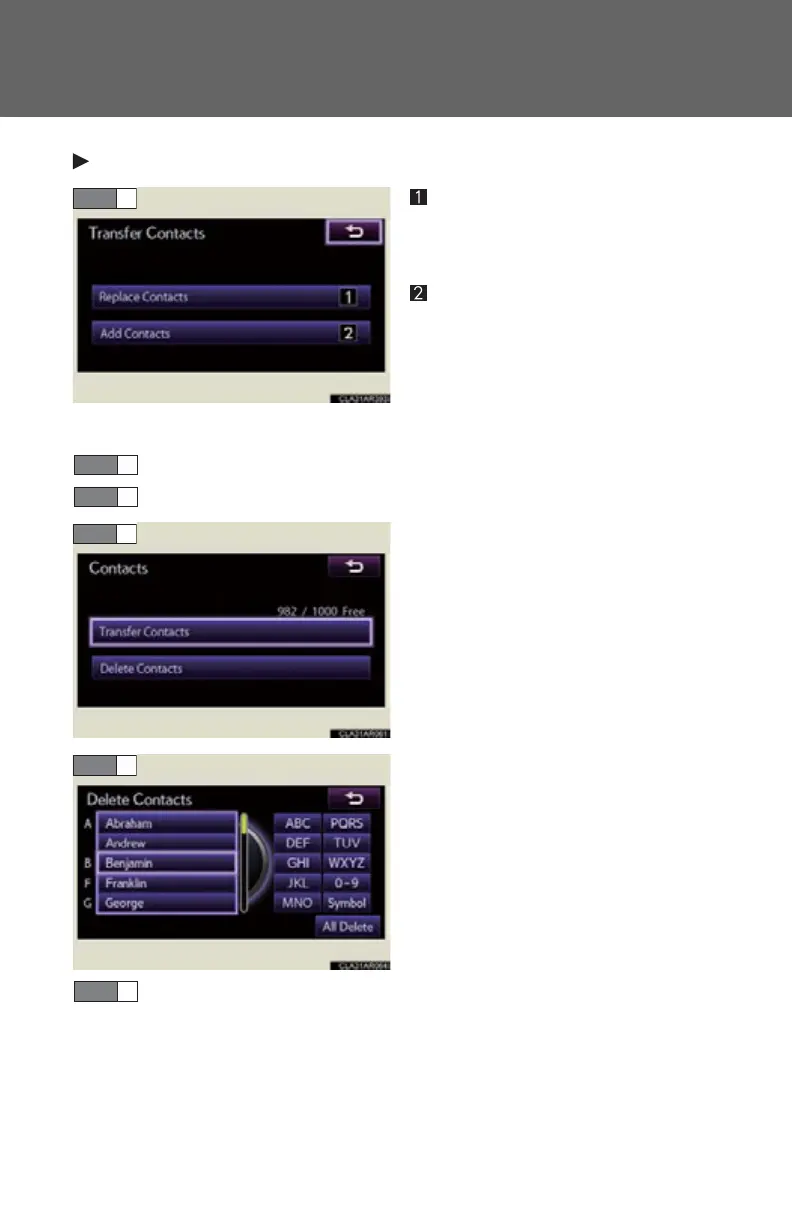
Replace contacts
The phonebook data can be
replaced.
Add contacts
The phonebook can be added.
● Deleting the phonebook data
Display the “Phonebook Settings” screen. (P. 532)
Select “Manage Contacts” on the “Phonebook Settings” screen.
Select “Delete Contacts”.
If your phone supports PBAP ser-
vice, “Automatically Download
Contacts” setting needs to be set
to “Off”. (P. 533 )
Choose the data to delete.
To delete all data, select “All
Delete”.
A confirmation message will be displayed. If everything is correct,
select “Yes”.
STEP 1
STEP 2
STEP 5



 To Next Page