323
3-2. Using the audio system
3
Interior features
CT200h_U (OM76040U)
Ejecting CDs
■ Ejecting a CD
Ty p e A
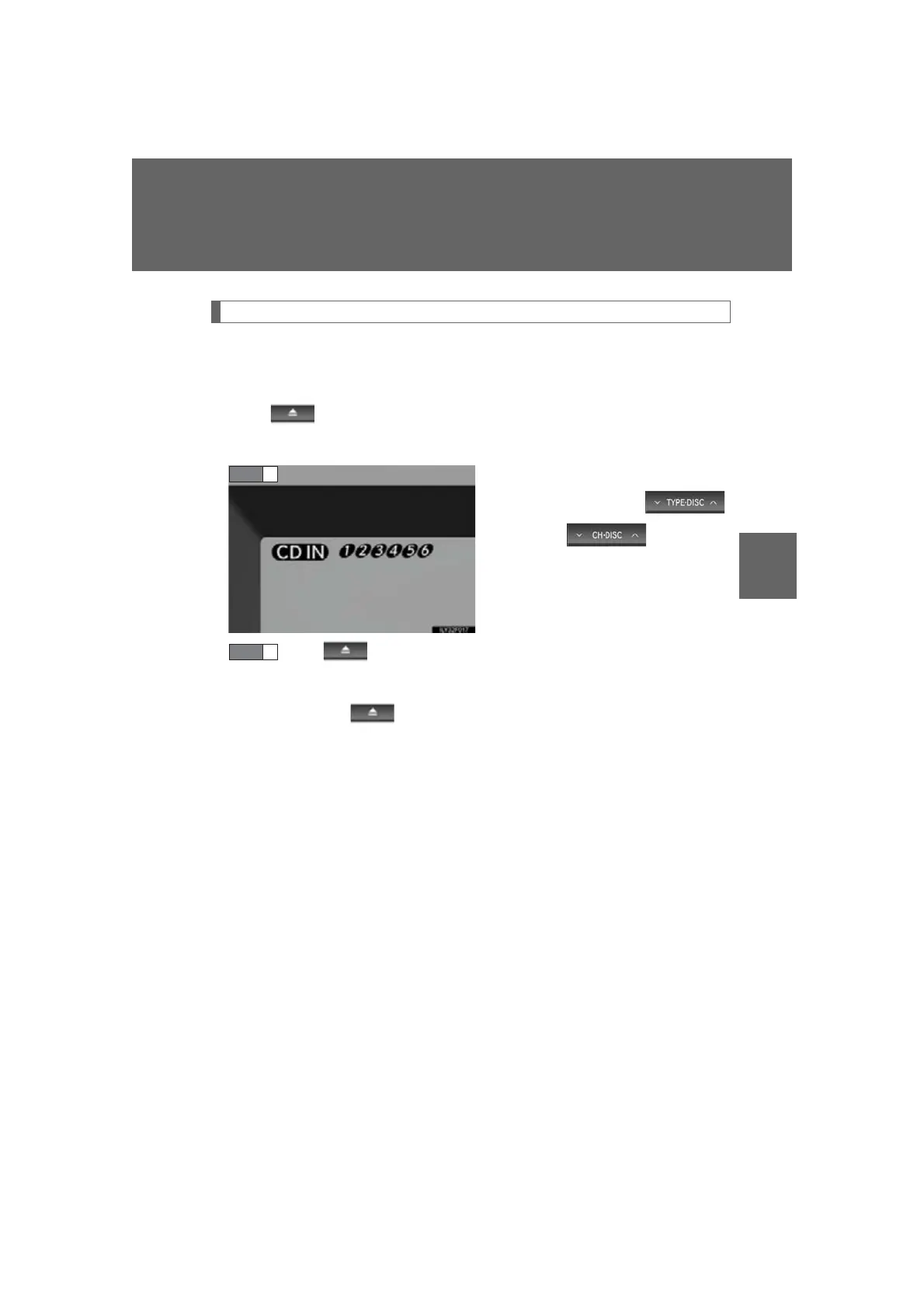
Press and remove the CD.
Type B and C
To select the CD to be ejected,
press “” or “” on
(type B) or (type C).
The selected disc number is shown
on the display.
Press and remove the CD.
■ Ejecting all the CDs (type B and C)
Press and hold until you hear a beep, and then remove the CDs.
STEP 1
STEP 2








 To Next Page