477
3-7. Other interior features
3
Interior features
CT200h_U (OM76040U)
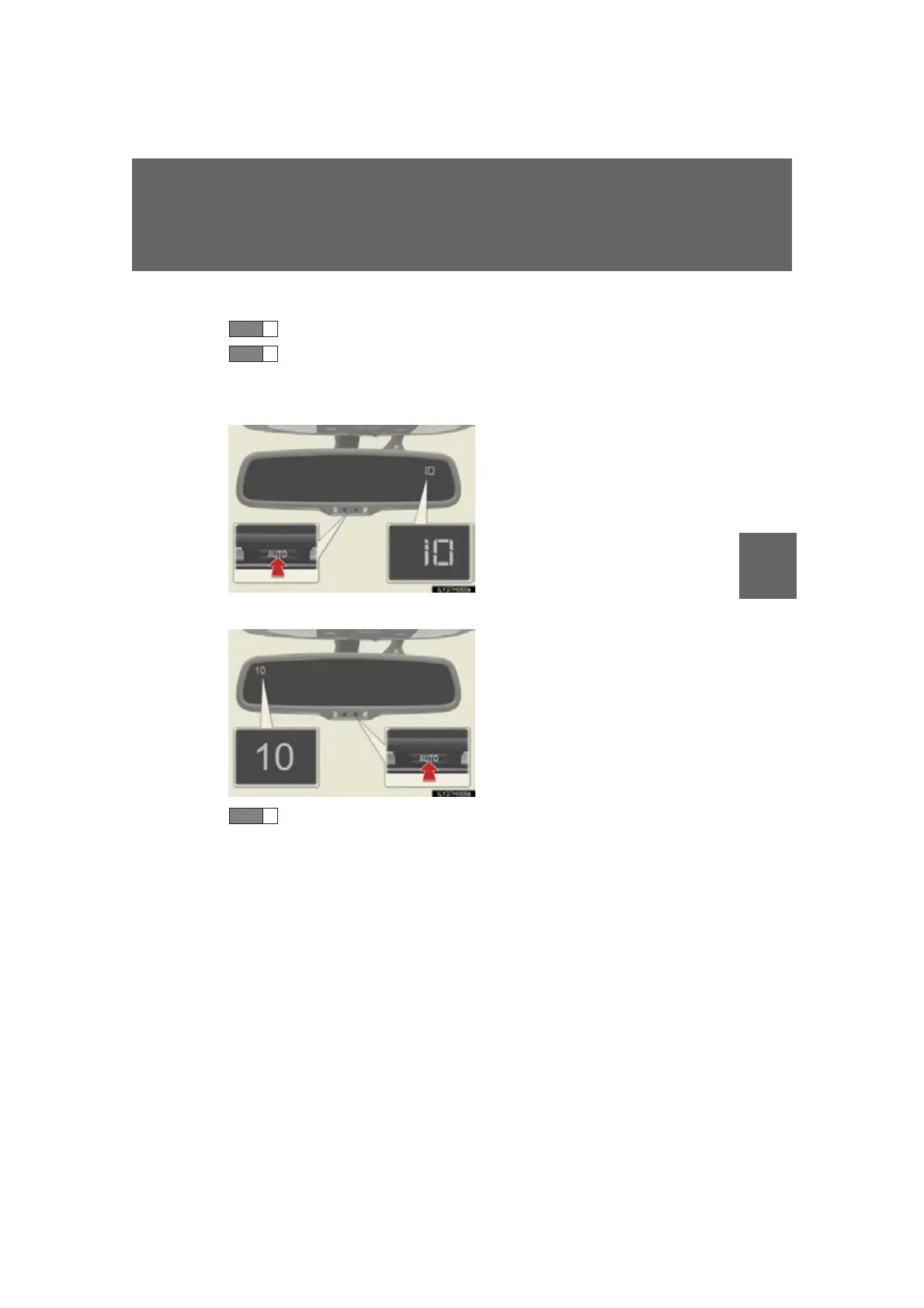
■ Deviation calibration
Stop the vehicle.
Press and hold “AUTO” button for 6 seconds. A number (1 to 15)
appears on the compass display.
Ty p e A
Ty p e B
Referring to the map above, press “AUTO” button to select the
number of the zone you are in.
If the direction is displayed several seconds after adjustment, the cali-
bration is complete.
STEP 1
STEP 2















 To Next Page