ES300h_OM_OM33C75U_(U)
291
5-1. Basic Operations
5
Lexus Display Audio system
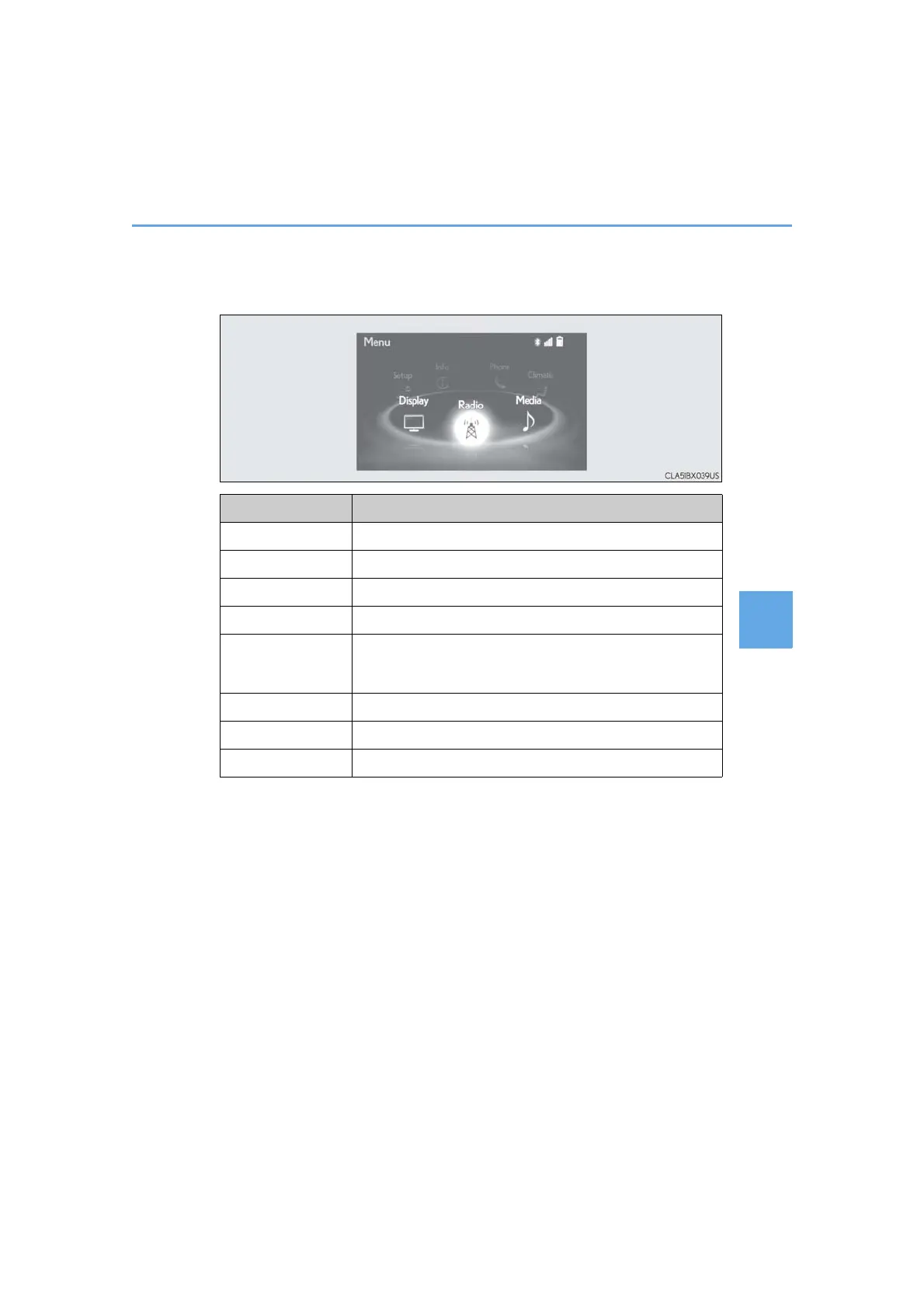
■ “Menu” screen
To display the “Menu” screen, press the “MENU” button on the Lexus Display
Audio controller.
*: Available in the 48 states, D.C. and Alaska
Button Function
“Radio” Display the radio top screen (→P. 316)
“Media” Display the media top screen (→P. 322, 329, 333, 337, 342)
“Climate” Display the air conditioning control screen (→P. 390)
“Phone” Display the phone top screen (→P. 349)
“Connected Navi”*
If a turn-by-turn navigation application has been downloaded
to a connected phone, the application will be displayed and
can be used.
“Info” Display the “Information” screen (→P. 376)
“Setup” Display the “Setup” screen (→P. 302)
“Display” Display the display settings screen (→P. 307)



 To Next Page