314
5-3. Using the audio system
ES300h_OM_OM33C75U_(U)
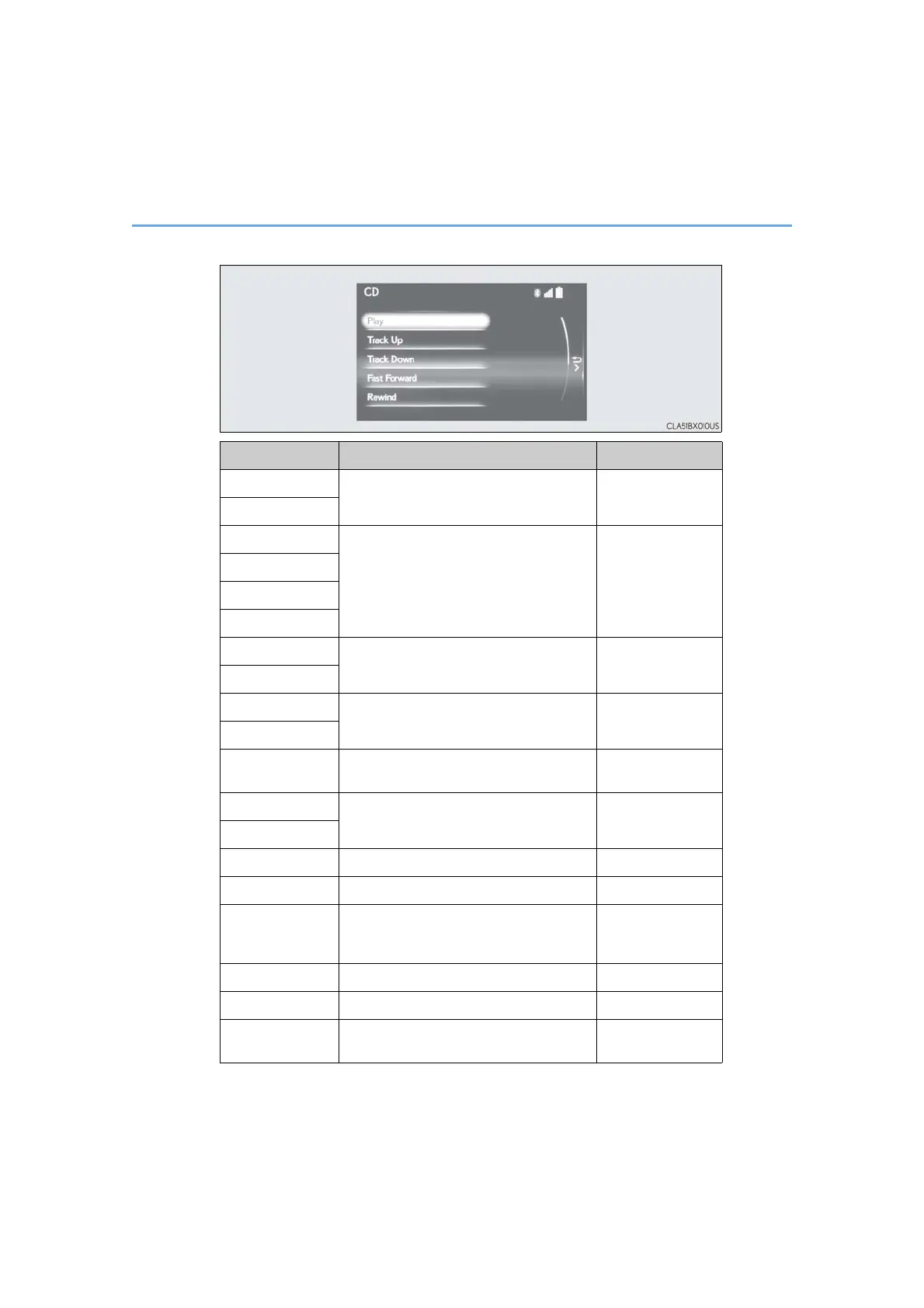
Media mode
Button Function Target audio source
“Play”
Plays or pauses a track/file
All media (except
A/V)
“Pause”
“Track Up”
Selects a track/file
All media (except
A/V)
“Track Down”
“File Up”
“File Down”
“Folder Up”
Selects a folder/album
MP3/WMA/AAC
disc, USB
“Folder Down”
“Fast Forward”
Selects and hold: Fast-forward or rewind a
track/file
All media (except
A/V)
“Rewind”
“Repeat” Selects a repeat mode (→P. 315)
All media (except
A/V)
“Random”
Selects a random/shuffle play mode
(→P. 315)
All media (except
A/V)
“Shuffle”
“Full Screen” Selects a full screen mode iPod, A/V
“Connect” Connects a Bluetooth
®
device (→P. 338) Bluetooth
®
“Cover Art Set-
tings”
Changes the cover art settings (→P. 312)
CD, MP3/WMA/
AAC disc,
Bluetooth
®
“iPod Settings” Changes iPod settings (→P. 311) iPod
“USB Settings” Changes USB settings (→P. 312) USB
“External Video
Settings”
Changes A/V settings (→P. 311) A/V


 To Next Page
 Loading...












