ES300h_OM_OM33C75U_(U)
87
2. Instrument cluster
2
Instrument cluster
Odometer, trip meter and maintenance required information display
Odometer:
Displays the total distance the vehicle has been driven
Trip meter:
Displays the distance the vehicle has been driven since the meter was last reset.
Trip meters “A” and “B” can be used to record and display different distances inde-
pendently.
Maintenance required information:
• Displays the maintenance required information when the power switch is in
ON mode.
• It can be reset from (settings display) of the multi-information display.
(→P. 91)
Background color of drive mode
Background color changes according to the drive mode. (→P. 266)
•Sport mode: Red
• Eco drive mode: Blue
When in Normal mode, the background color is Black.
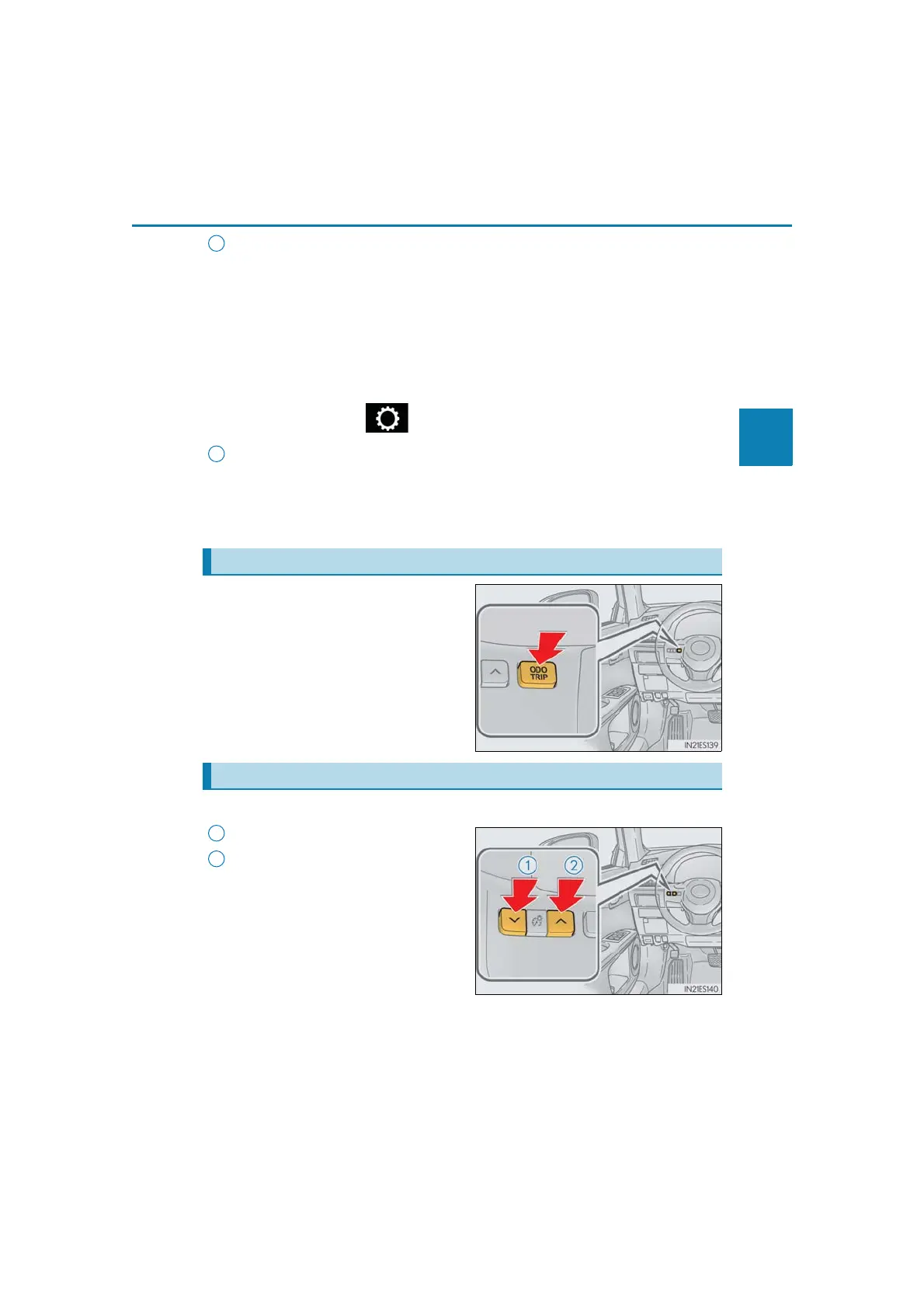
Switches between odometer, trip meter
and maintenance required information
displays. When the trip meter is dis-
played, pressing and holding the button
will reset the trip meter.
The brightness of the instrument panel lights can be adjusted.
Darker
Brighter
Changing the display
9
Instrument panel light control
1
2



 To Next Page