250
3-2. Using the audio system
Optimal use of the audio system
Adjusting sound quality and volume balance
■ Changing sound quality modes
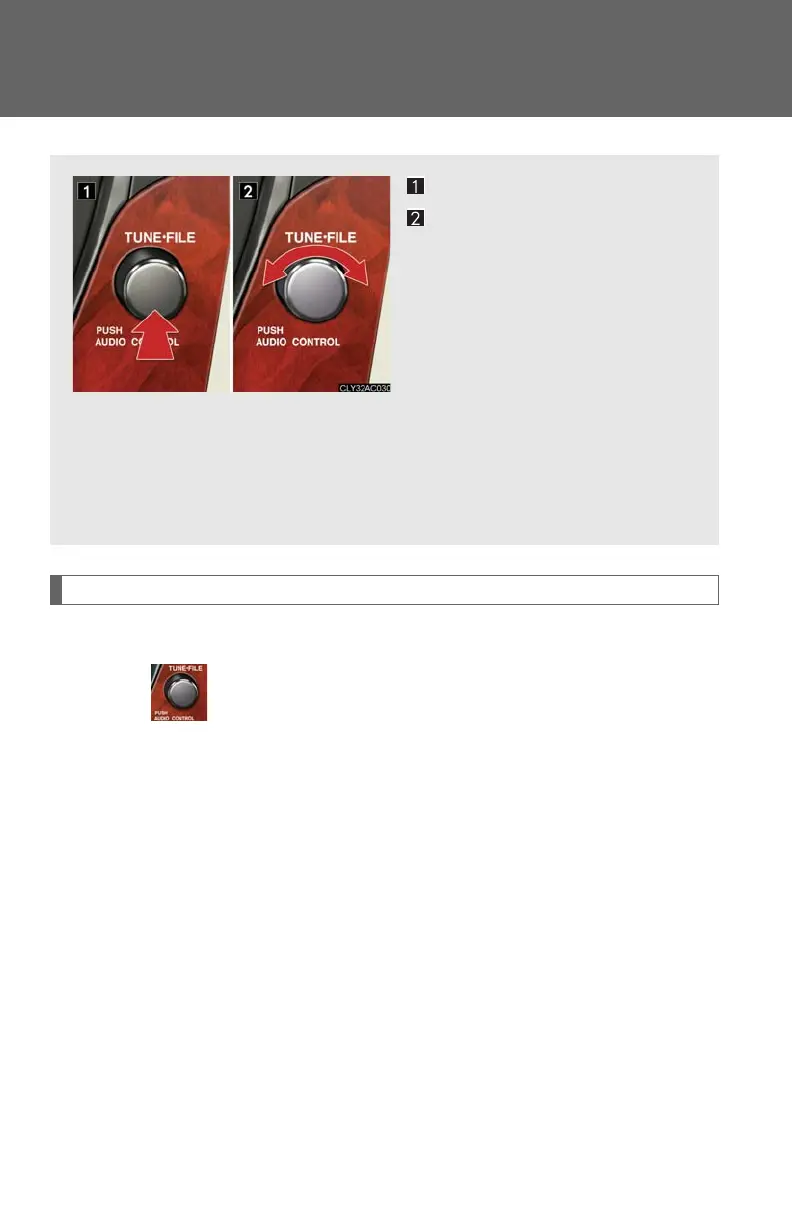
Press .
Pressing the button changes sound modes in the following order:
“BAS”“MID”“TRE”“FAD”“BAL”“A S L”
Displays the current mode.
Changes the following set-
ting.
• Sound quality and volume
balance
P. 2 51
The sound quality and balance
setting can be changed to pro-
duce the best sound.
• Automatic Sound Levelizer
ON/OFF
P. 2 51



 To Next Page