GS350_300_GS F_OM_OM30G34U_(U)
307
5-1. Remote Touch screen
5
Interior features
For details of the functions and operation of the main display, refer to the respec-
tive section.
■ Display the side display
Basic screens
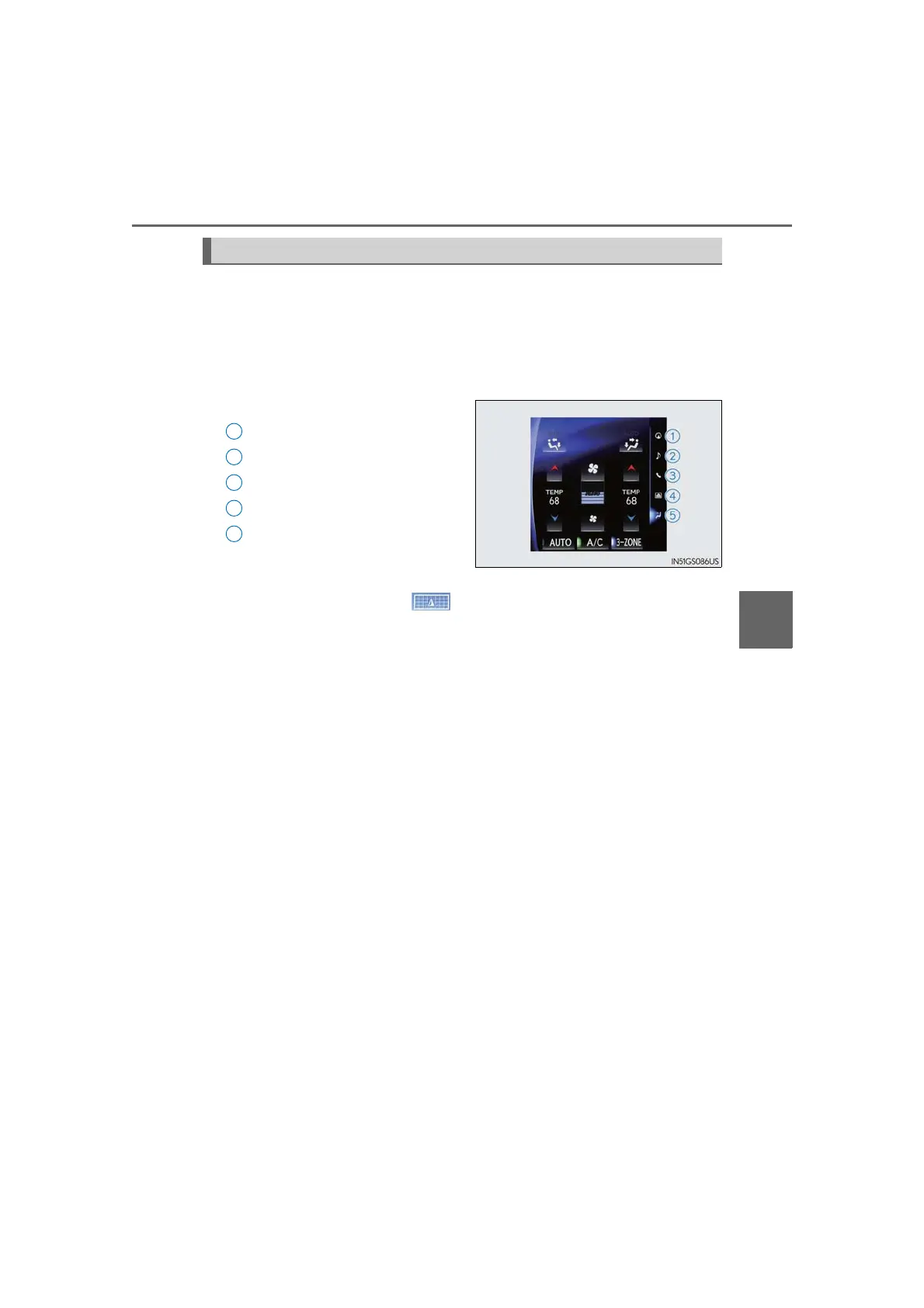
The following functions can be displayed and operated on the side display.
Select the desired button.
Navigation system
*
Audio*
Phone*
Vehicle information (→P. 130)
Air conditioning system
(→P. 312)
To turn off the side display, press the “MAP” button on Remote Touch to display the
map screen, and then press .
If the item displayed on the main display is full screen display compatible (→P. 306),
it will be displayed full screen.
Interruption screens
Each of the following screens is displayed automatically in accordance with
conditions.
• Intuitive parking assist
* (if equipped)
•Phone
*
• Destination Assist*
•Driving mode (→P. 273)
*: Refer to the “NAVIGATION AND MULTIMEDIA SYSTEM OWNER’S MAN-
UAL”.
12.3-inch display function
1
2
3
4
5



 To Next Page