267
5-1. Basic Operations
5
Lexus Display Audio system
IS350/250_U (OM53C50U)
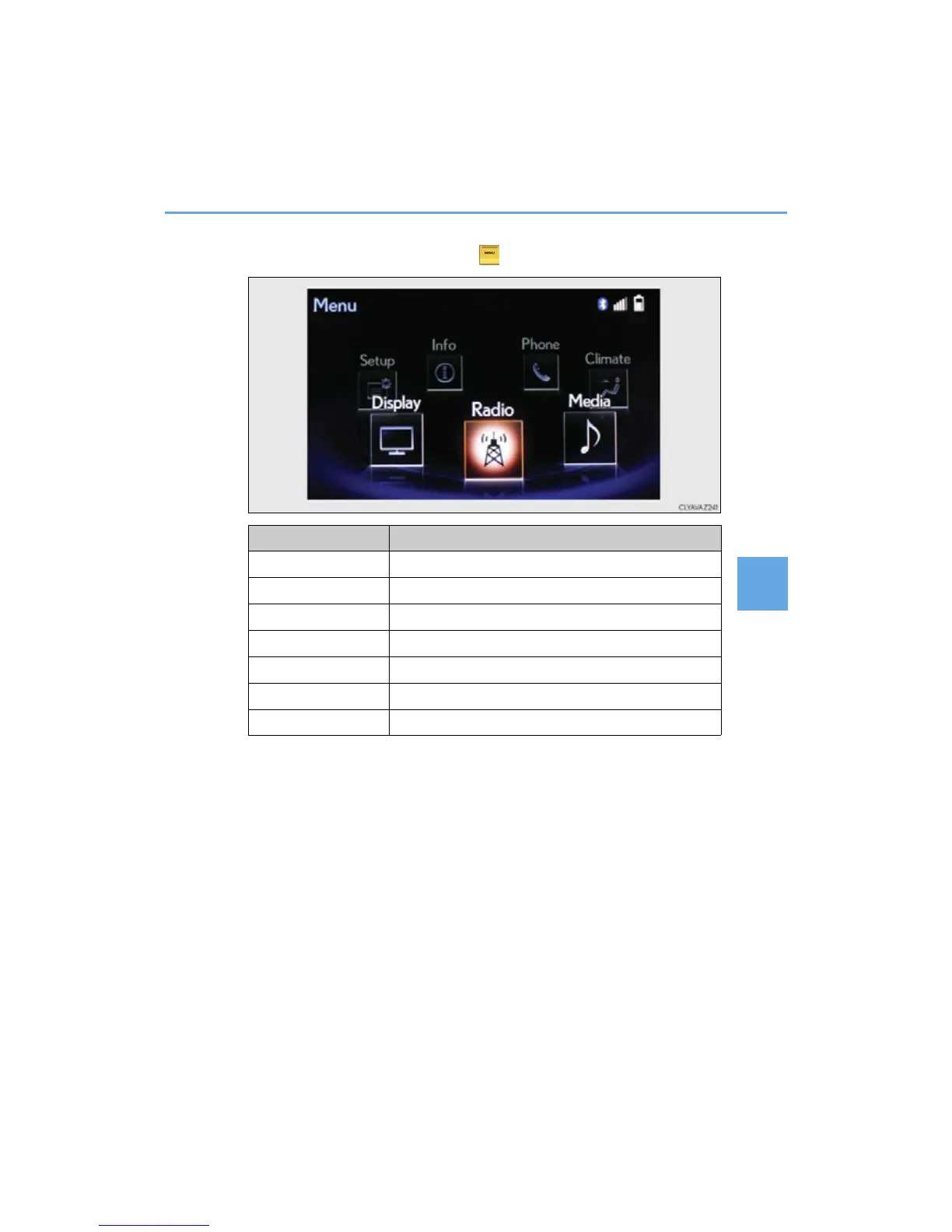
■ “Menu” screen
To display the “Menu” screen, press the button on the controller unit.
Button Function
“Radio” Display the radio top screen (P. 289)
“Media” Display the media top screen (P. 295, 301, 304, 308)
“Climate” Automatic air conditioning system (P. 358)
“Phone” Display the phone top screen (P. 319)
“Info” Display the “Information” screen (P. 3 45)
“Setup” Setup menu (P. 275)
“Display” Display settings (P. 280)



 To Next Page