328
5-9. Bluetooth
®
Phone
IS350/250_U (OM53C50U)
Move the controller to the left while on the message screen.
Select “Quick Message” to display the “Quick Message” screen.
Select the desired message and then select “Send”.
■ Editing a quick message
Move the controller to the left while on the message screen.
Select “Quick Message” and then the desired message. Move the control-
ler to the left while the desired message is displayed.
Select “Edit”.
To return to the default message after editing, select “Default”.
This function is available when the “E-mail Notification Popup” or “SMS/MMS
Notification Popup” are set to on. (P. 335)
“Incoming E-mail Display” or “Incoming SMS/MMS Display” are set to
“Drop-Down”
When E-mail/ SMS/MMS are received, the incoming message is displayed
on the upper side of the screen with a sound.
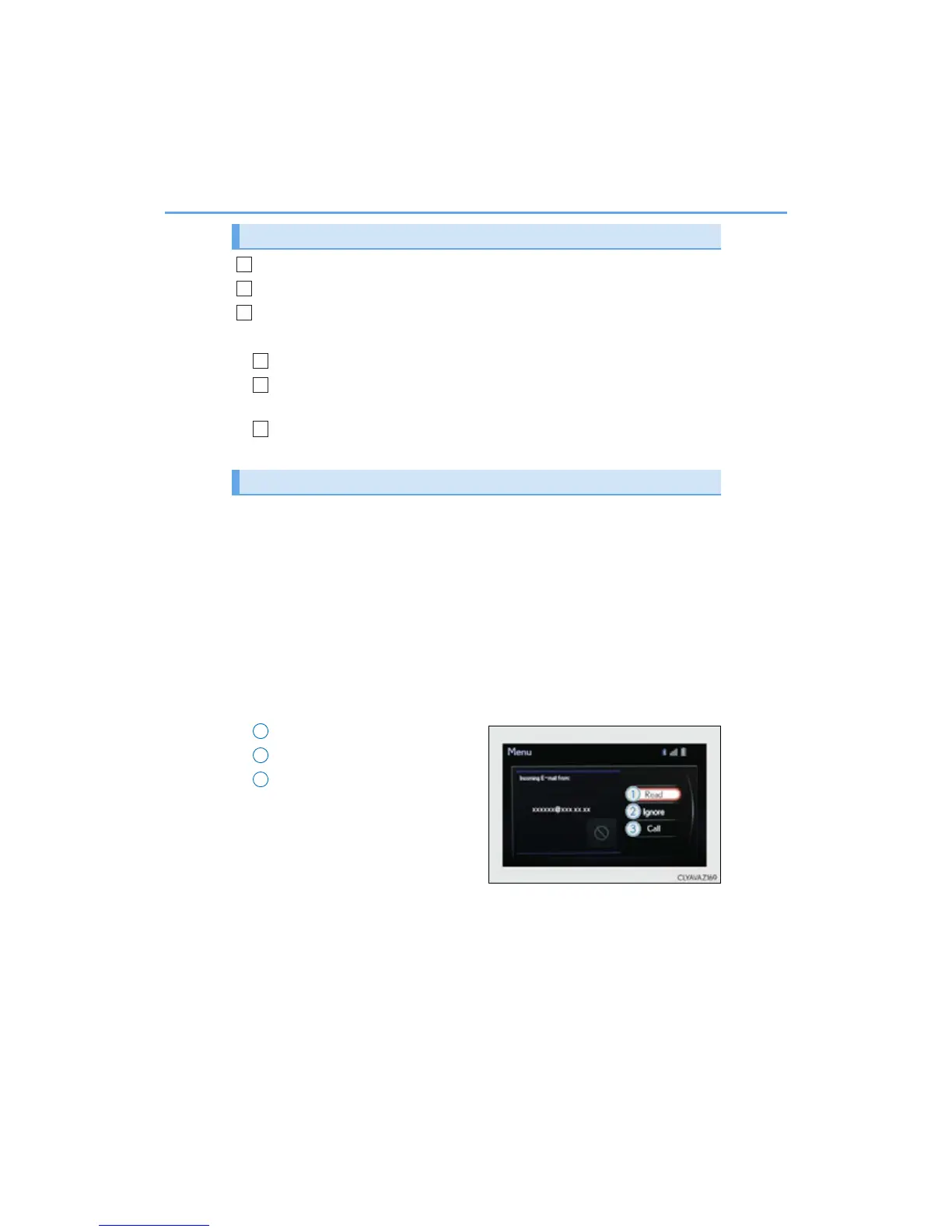
“Incoming E-mail Display” or “Incoming SMS/MMS Display” are set to “Full
Screen”
When E-mail/ SMS/MMS are received, the incoming message screen is dis-
played with a sound and it can be operated on the screen.
Check the message.
Refuse to check the message.
Call to receive the message
sender’s phone number.
Replying to a message
Receiving a message popup function
1
2
3
1
2
3
1
2
3



 To Next Page