85
2-1. Instrument cluster
LC500_LC500h_OM_OM11405U_(U)
2
Vehicle status information and indicators
range/gear position, or the operational sta-
tus of the following systems:
• Pre-collision warning (Pre-Collision Sys-
tem) (→
P.184)
• Dynamic radar cruise control with full-
speed range (→
P.198)
• LKA (Lane-Keeping Assist) (→
P.191)
• Intuitive parking assist (→
P.209)
Displayed content is the same as that dis-
played on the multi-information display. For
details, refer to the explanations of each
system.
Vehicle speed display
Information display area (→P.87)
Displays the following items:
• Warning/message
•
/ icon (→P.87)
• Audio system operation status
• Dynamic radar cruise control with full-
speed range status (→
P.198)
• Hands-free system status (→
P.87)
• Eco Driving Indicator/tachometer
(→
P.88) (LC500)
• Hybrid System Indicator/motor power
display/tachometer (→
P.88)
(LC500h)
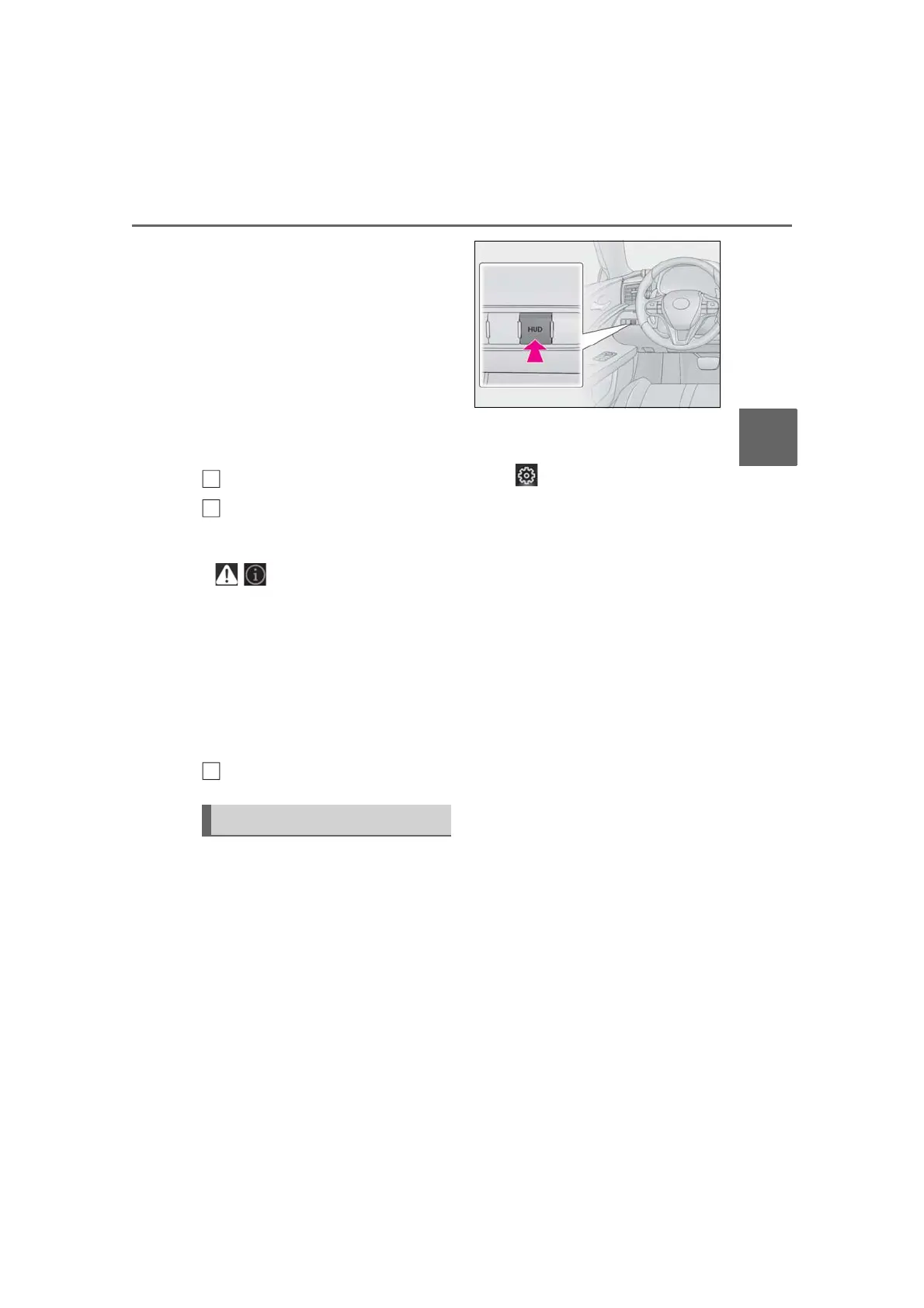
HUD (Head-up display) switch
■ Enabling/Disabling the head-up
display
Pressing the switch turns the head-up
display on/off.
■ Changing settings of the head-up
display
Select on the multi-information dis-
play (→P.78) to change the following
settings:
Display brightness/position
Select to adjust the brightness and position
of the head-up display.
Eco Driving Indicator/tachometer
(LC500)
Select to display Eco Driving Indicator,
tachometer or no content.
Hybrid System Indicator/motor
power display/tachometer
(LC500h)
Select to display Hybrid System Indicator,
tachometer or no content.
Motor power display can be displayed
when Hybrid System Indicator is selected
while the driving mode (→
P.208) is other
than the eco drive mode.
Display content
Select to enable/disable the following
items:
• Route guidance to destination
• Driving assist system status
•Compass
• Audio system operation status
Display angle
Using the head-up display



 To Next Page