151
2-2. Instrument cluster
2
When driving
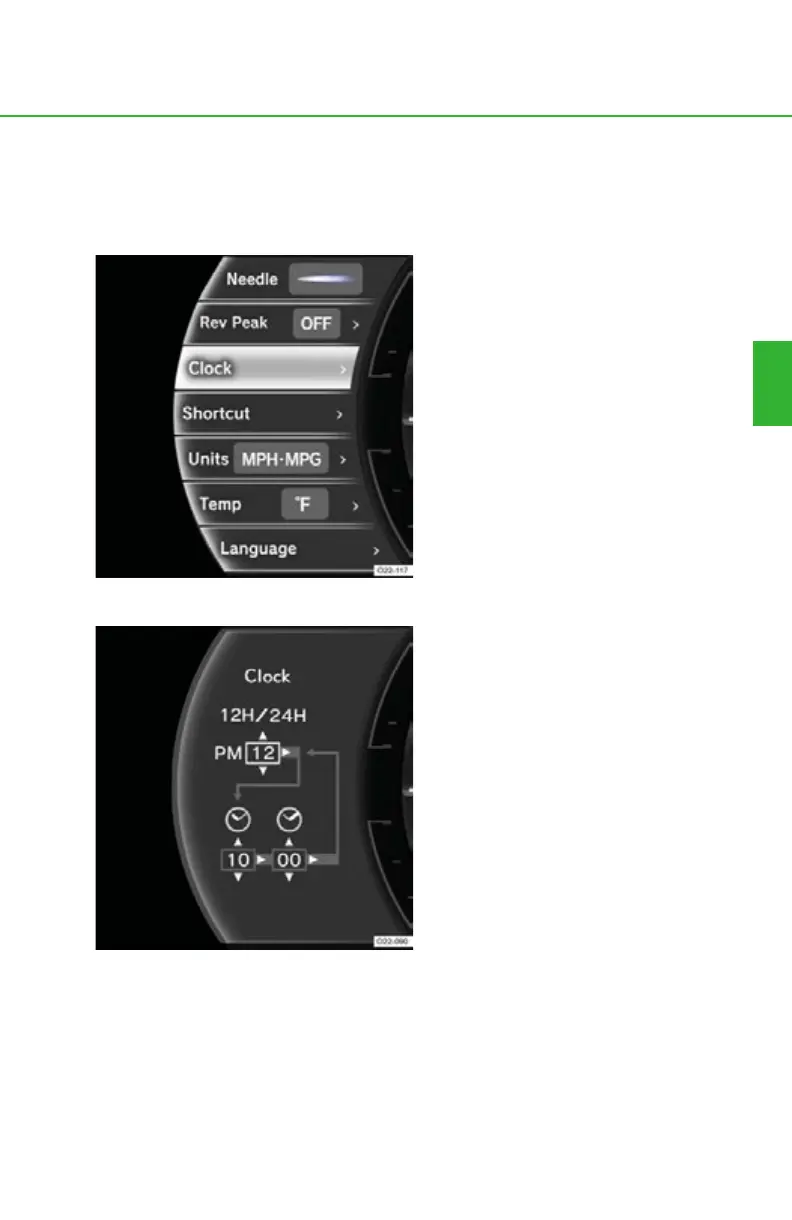
■ “Clock”
The displayed time can be adjusted and shown in 12-hour (12H) or 24-
hour (24H) mode.
Select “Clock” and press right on
the control pad.
Selecting 12H or 24H mode
Press up or down on the control
pad to switch between 12H and
24H mode.
When 12H mode is selected, “AM”
or “PM” will be displayed.
Pressing right on the control pad
moves the cursor to the hour
adjustment menu.



 To Next Page