REPAIR MANUAL SUPPLEMENT: SMART KEY REGISTRATION – EL003-04 Revised June 24, 2004
Page 7 of 9
9. Register the Smart Key / Wireless function.
A. From the Immobilizer ID Utility menu (above), Press the Diagnostic Tester
“EXIT” button twice
to bring up the OBD/MOBD Menu.
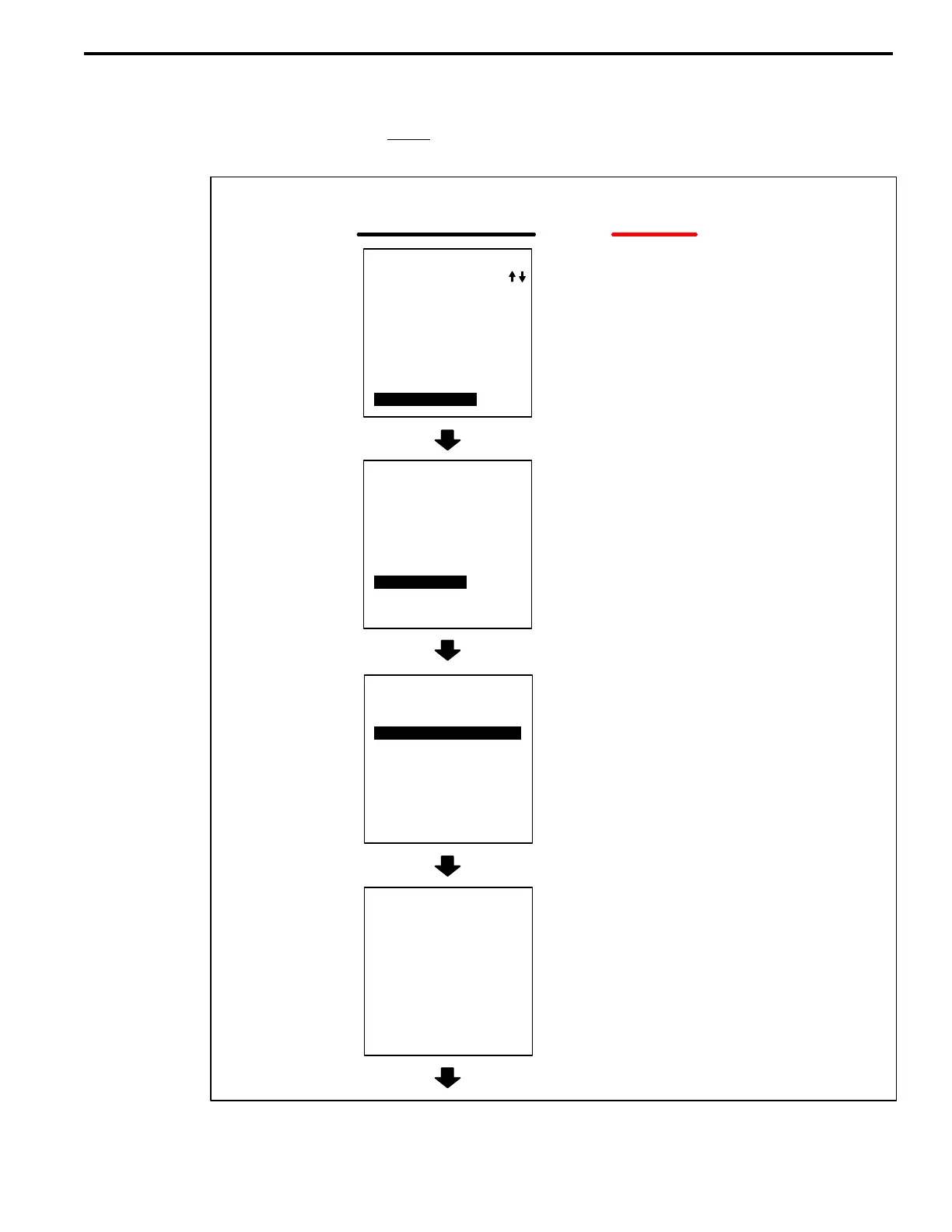
B. Follow the screen prints below.
WHEN THIS
SCREEN APPEARS:
1: DATA LIST
2: DTC INFO
3: ACTIVE TEST
4: SNAPSHOT
DIAGNOSTIC MENU
SMART KEY
5: ID UTILITY
DO THIS:
Scroll down the list of
ECU systems and select
“SMART KEY”
Select “ID UTILITY”
Select “SMART CODE REG”
Press “YES”
–Ignition switch is
ON.
–A master key is in
the key cylinder.
<CONDITION>
A
B
C
D
(Continued next page)
1: RL–DOOR
2: D–SEAT
3: SLIDE ROOF
4: TILT&TELESCO
5: METER
6: COMBI SW
7: STEERING PAD
8: CLEARANCE SONAR
OBD/MOBD MENU
9: SMART KEY
1: SMART CODE REG
2: SMART CODE ERS
3: SMART DIAG MODE
ID UTILITY
SMART KEY
1: SMART CODE REG
9: SMART CODE RESET
PRESS [YES] OR [NO]
Registration
Procedure:
Smart Key/
Wireless
Function












 To Next Page