201
2-4. Using other driving systems
2
When driving
Customization of the intuitive parking assist-sensor
Vehicles with a touch screen
The buzzer volume, display and buzzer timing and display of the graphic
on the screen can be customized.
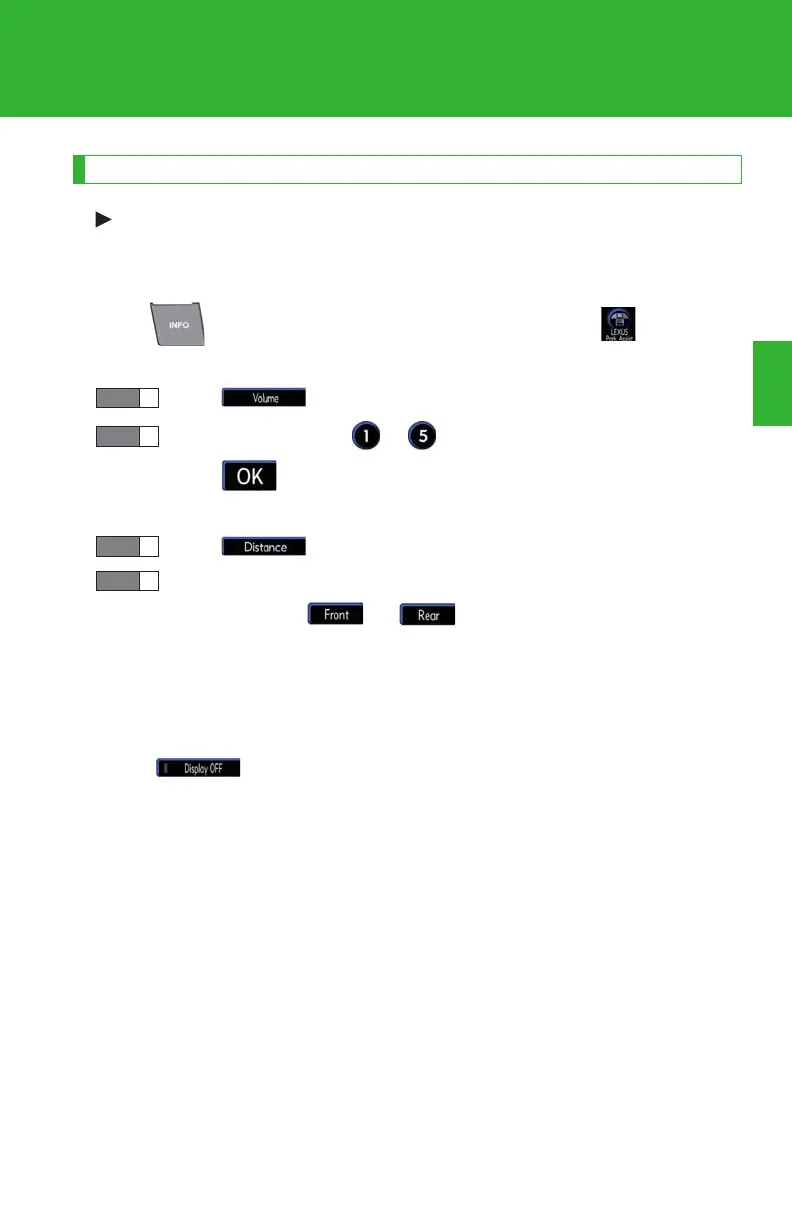
Press to display the information screen, and touch .
■ Buzzer volume
To u c h .
Touch a switch (from to ) to adjust the buzzer volume, and
touch .
■ Display and buzzer timing
To u c h .
Set the display and buzzer timing for the front and the rear center
sensors. When or is touched, the triangle marks
move between green (turns on at level 1) and orange (turns on at
level 2) to select the timing.
■ Display of the graphic on the screen when the vehicle is moving for-
ward
Touch . When this switch is touched, display setting switches
between on and off.














 To Next Page