378
3-4. Using the rear seat entertainment system
Using the rear DVD player (if equipped)
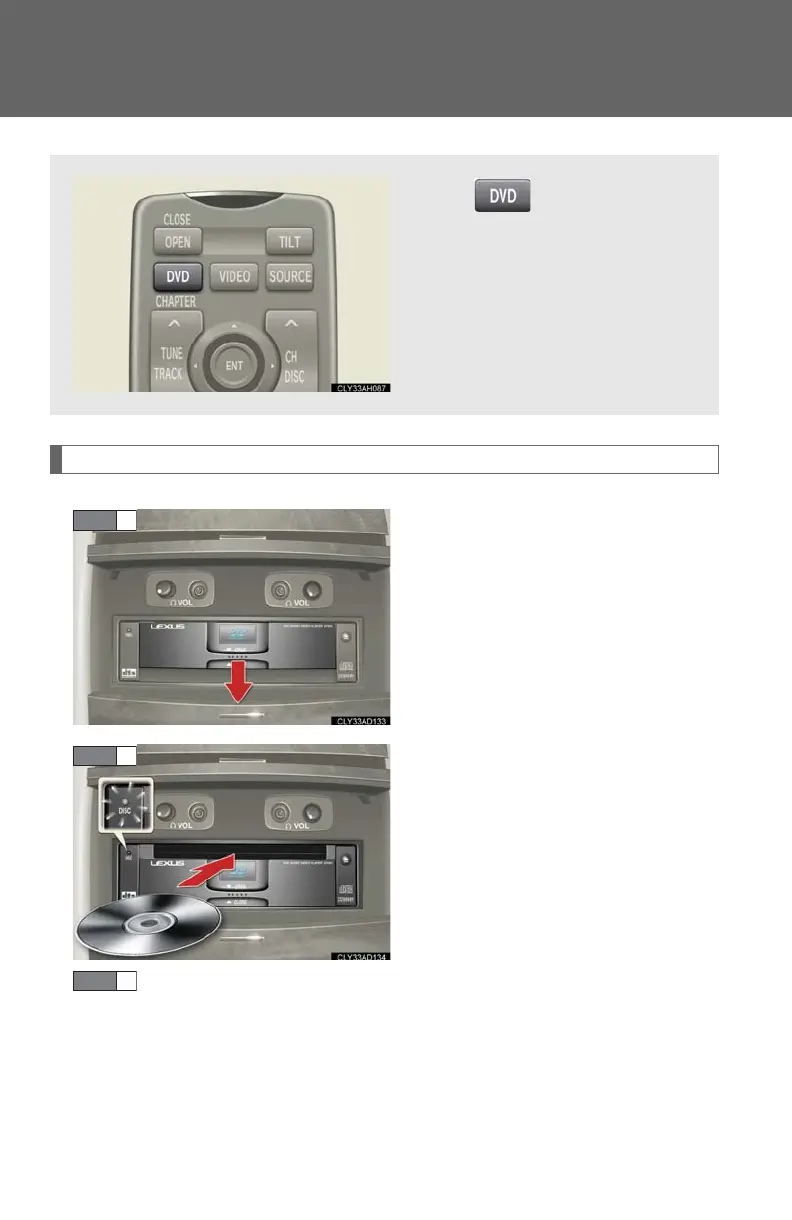
Loading a disc
Open the cover.
Insert the disc into the slot with the
label side up.
The “DISC” indicator light turns on
while the disc is loaded.
The player will play the track or
chapter, and will repeat it after it
reaches the end.
Close the cover.
Press or select “Rr-
DVD” on the source screen to
display the control screen.














 To Next Page