293
3-3. Using the audio system
3
Interior features
Insert the next disc when the indicator on the slot turns from
amber to green again.
Repeat the procedure for the remaining discs.
To stop the operation, press .
Ejecting discs
■ Ejecting a disc
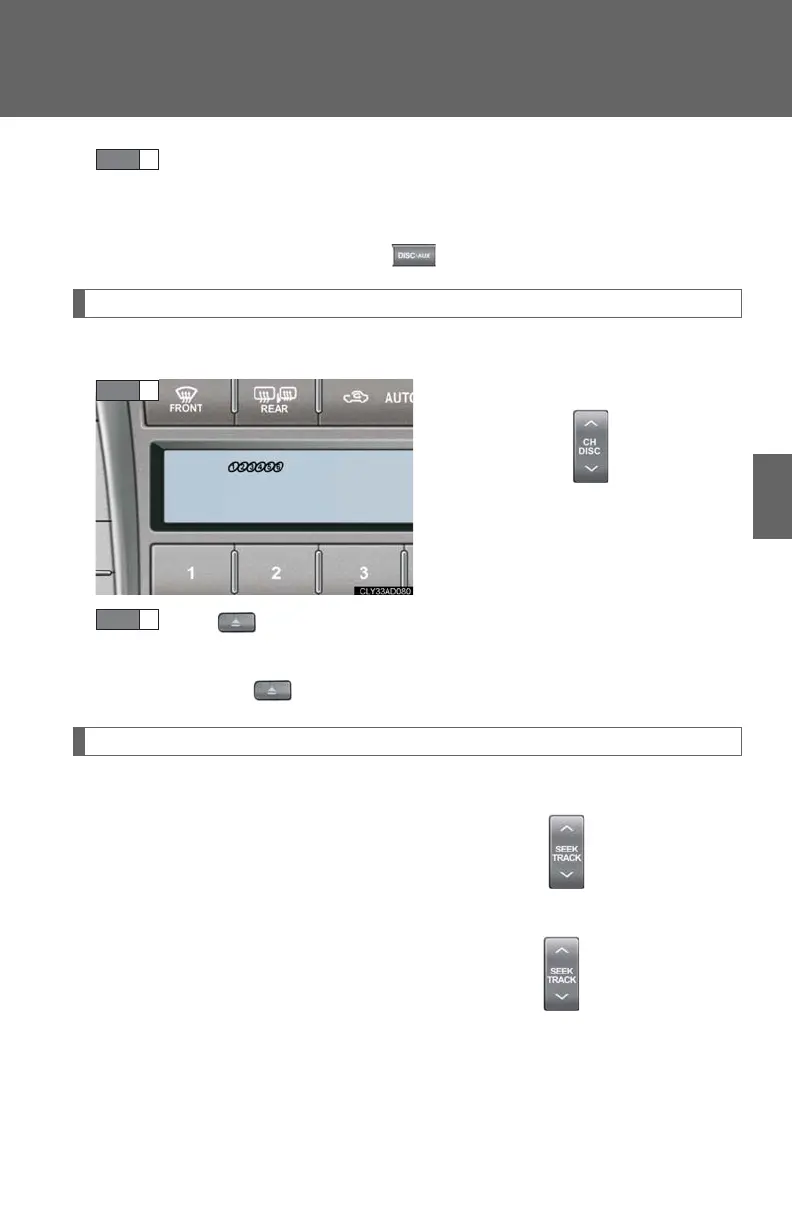
To select the disc to be ejected,
press or on .
The number of the disc selected is
shown on the display.
Press and remove the disc.
■ Ejecting all discs
Press and hold until you hear a beep, then remove the disc.
Selecting, fast-forwarding, and scanning tracks
■ Selecting a track
Press to move up and to move down using until the desired
track number is displayed.
To fast forward or rewind, press and hold or on .














 To Next Page