339
3-3. Using the audio system
3
Interior features
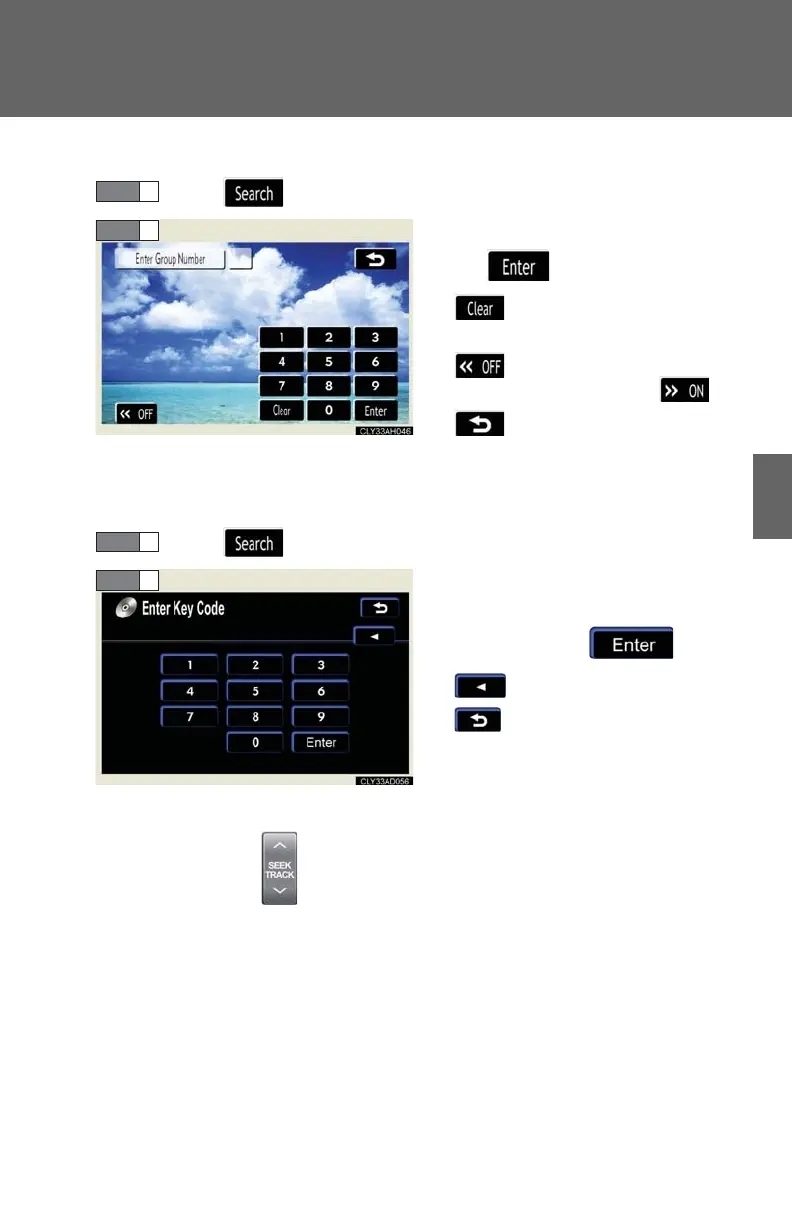
■ Searching by group (DVD audio mode)
Touch on the control icon screen.
Input the group number and then
touch .
: deletes the last input
number
: hides the icons. To display
the icons, touch .
: returns to the previous
screen
■ Playing a bonus group (DVD audio mode only, if the DVD has bonus
options)
Touch on the control icon screen.
Input the desired bonus group
number on the group search
screen and touch .
: deletes the number
: returns to the previous
screen
■ Searching by chapter/track
Press or on to select a chapter/track.














 To Next Page