341
3-3. Using the audio system
3
Interior features
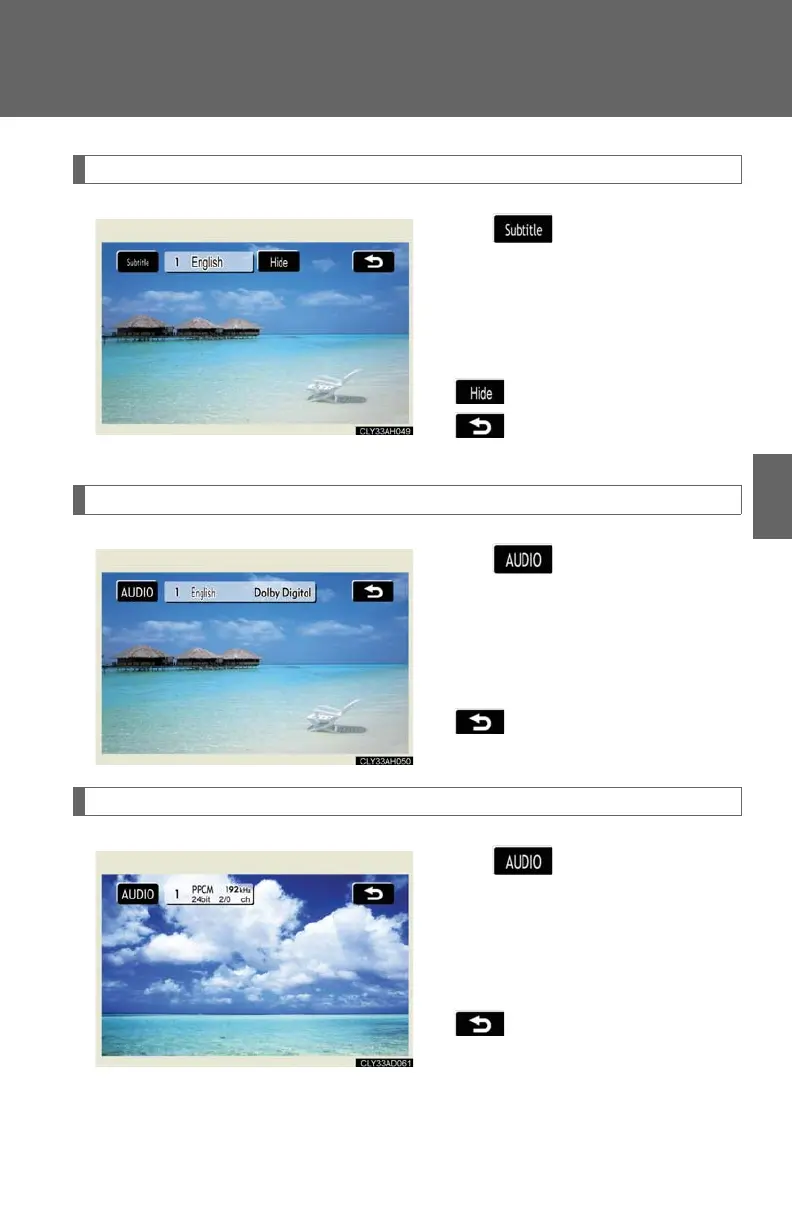
Changing the subtitle language
Touch on the control icon
screen.
Each time you touch the switch,
the next available language is
selected.
: hides the subtitles
: returns to the previous
screen
Changing the audio language (DVD video only)
Touch on the control icon
screen.
Each time you touch the switch,
the next available language is
selected.
: returns to the previous
screen
Changing the audio format (DVD audio only)
Touch on the control icon
screen.
Each time you touch the switch,
the next available audio format is
selected.
: returns to the previous
screen














 To Next Page