350
3-3. Using the audio system
Loading, ejecting and selecting discs
P. 332
Fast forwarding/reversing a video CD
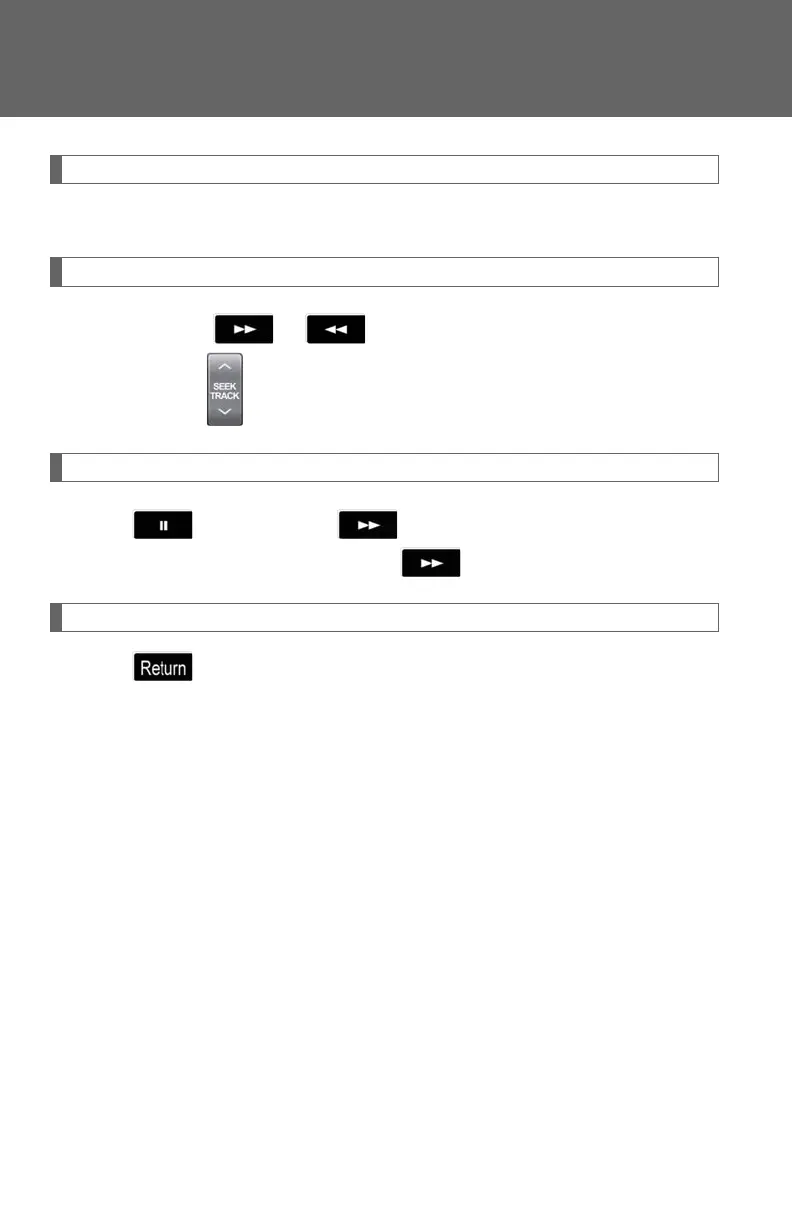
Touch and hold or on the control icon screen or press and
hold or on until you hear a beep.
Slow playback
Touch and then touch on the control icon screen. Video is
played slowly while you are touching .
Using the video CD menu
Touch on the control icon screen.
Refer to the manual that comes with the video CD for specific menu
items.












 To Next Page