359
3-3. Using the audio system
3
Interior features
■ Turning the surround “ON” or “OFF” (with DVD player only)
Touch or .
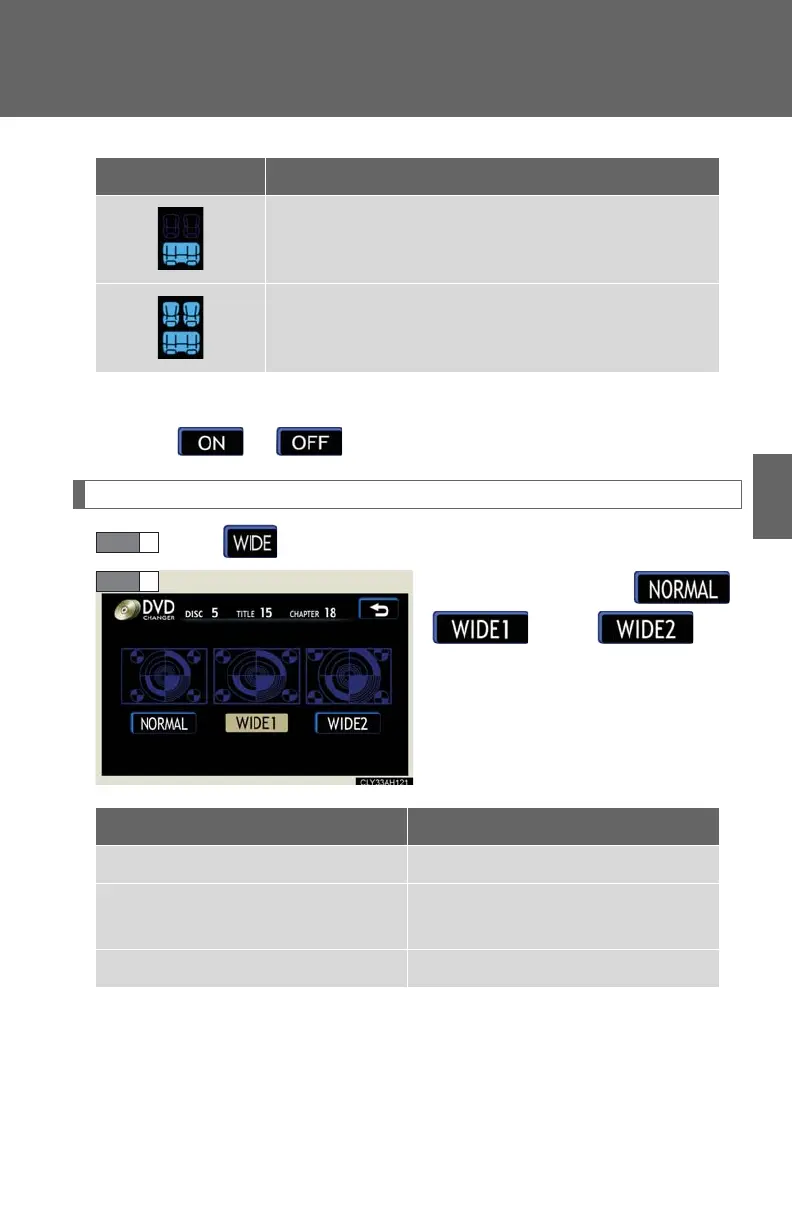
Setting the screen ratio mode (with DVD player only)
Touch on the screen.
Touch one of ,
or to
match the screen ratio printed on
the DVD.
Display Listening position
Position best suited to the rear seats
Position best suited to all seats
Screen ratio mode Details
“NORMAL” Suitable for 4:3 screen ratio
“WIDE1”
Expands the normal screen
horizontally to fill the display
“WIDE2” Suitable for 16:9 screen ratio














 To Next Page