366
3-3. Using the audio system
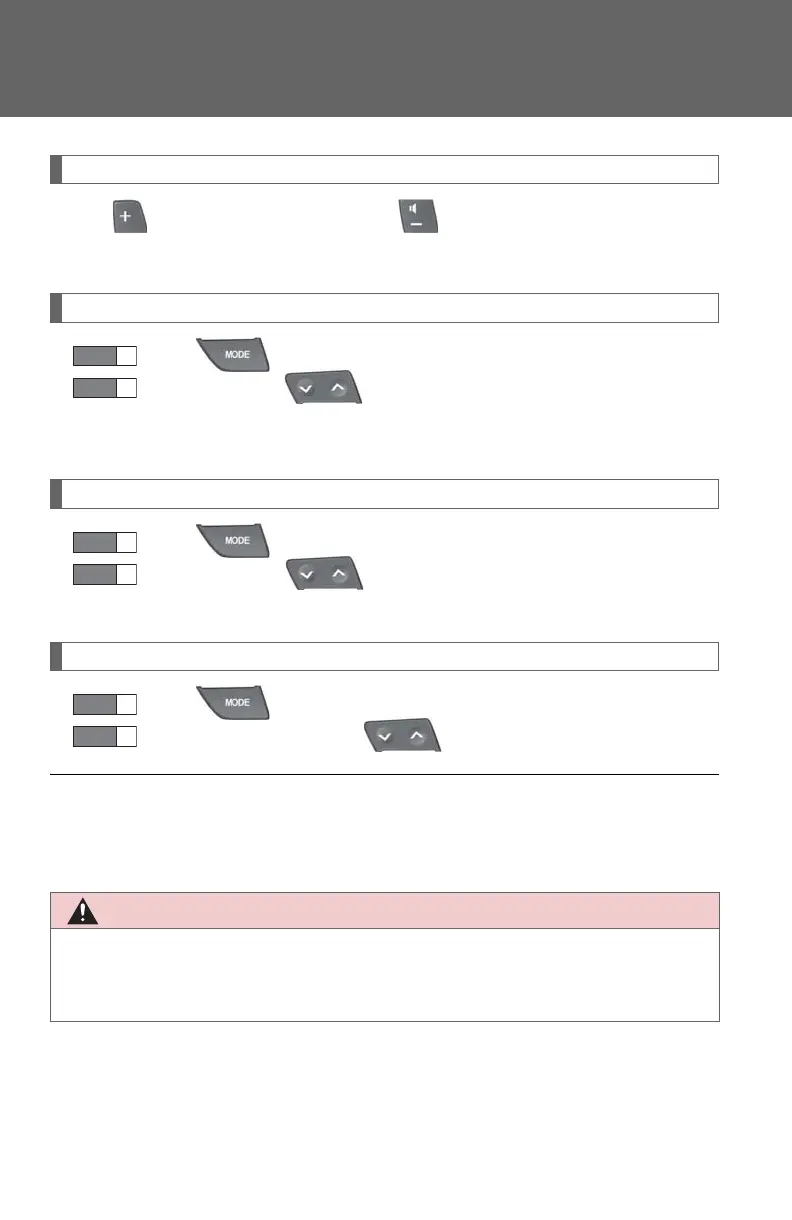
Adjusting the volume
Pull to increase the volume and to decrease the volume.
Hold up the switch to continue increasing or decreasing the volume.
Selecting a radio station
Press to select the radio mode.
Press or on to select a radio station.
To scan for receivable stations, press and hold or on the switch until
you hear a beep.
Selecting a track/file or chapter
Press to select the CD or DVD mode.
Press or on to select the desired track/file or chap-
ter.
Selecting a disc in the CD or DVD player
Press to select the CD or DVD mode.
Press and hold or on until a beep is heard.
■ Canceling automatic selection of a radio station
Press the same switch.
■ To reduce the risk of an accident
Exercise care when operating the audio switches on the steering wheel.














 To Next Page