421
3-5. Using the hands-free system (for cellular phone)
3
Interior features
Making a call
Once the Bluetooth
®
phone is registered, you can make a call using the
following procedure:
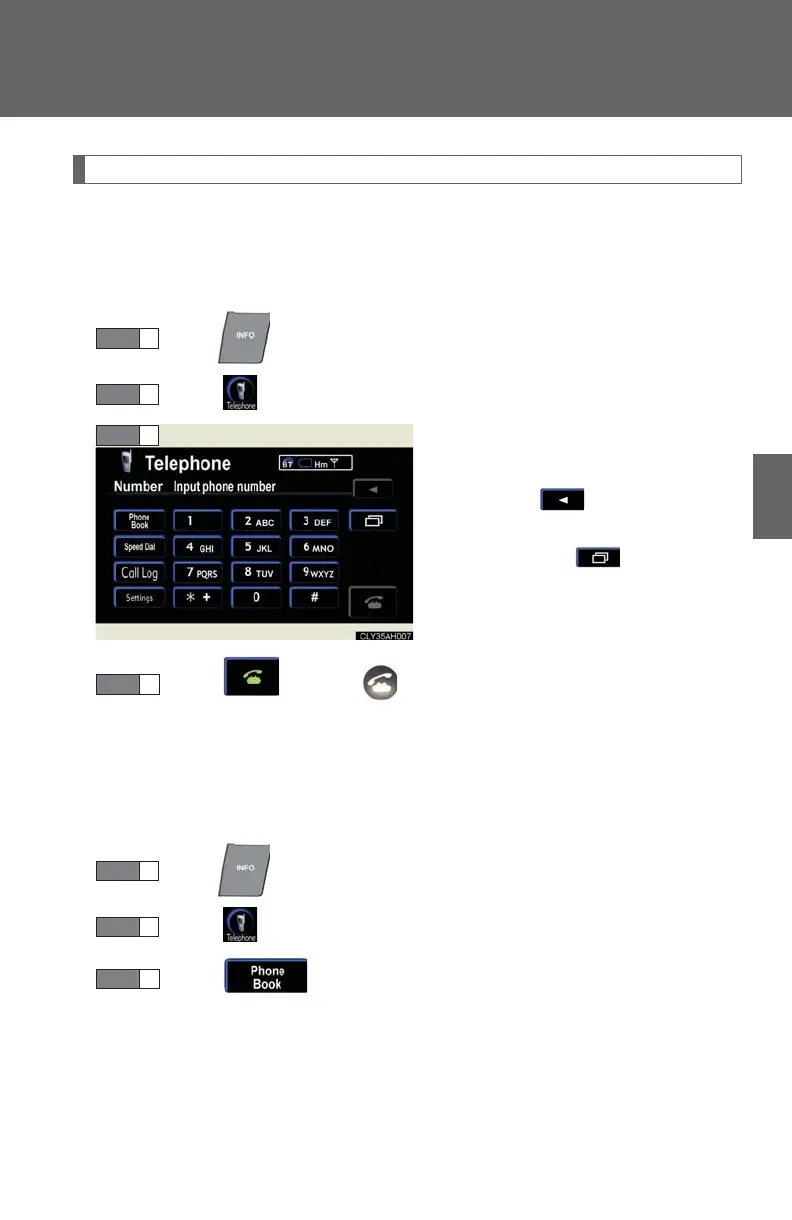
■ Dialing
Press .
Touch on the “Information” screen.
Input the phone number.
To delete the inputted phone num-
ber, touch .
To dial the last inputted phone
number, touch .
Touch or press on the steering wheel.
■ Dialing from the phone book
You can dial a number from the phone book data imported from your
mobile phone. Up to 1000 entries may be stored in the phone book.
(P. 441 )
Press .
Touch on the “Information” screen.
Touch on the “Telephone” screen.














 To Next Page