429
3-5. Using the hands-free system (for cellular phone)
3
Interior features
Speaking on the phone
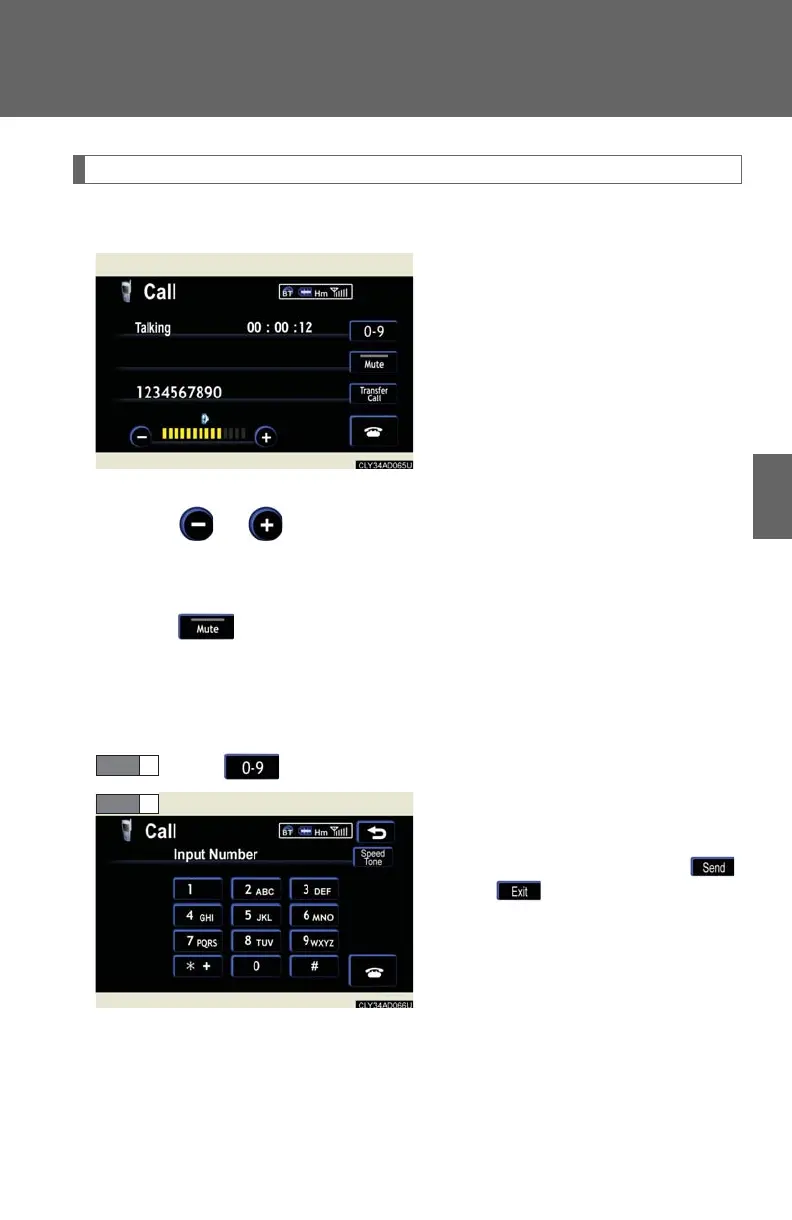
The following screen is displayed when speaking on the phone.
■ To adjust the received call volume
Touch or . You can also adjust the volume using the steering
switches.
■ To prevent the other party from hearing your voice
To u c h .
■ Inputting key tones
When using phone services such as an answering service or a bank,
you can store phone numbers and code numbers in the phone book.
To u c h .
Input the number.
If repeated tone symbols* are
stored in the phone book,
and are displayed on the
right side of the screen.
*: Repeated tone symbols are sym-
bols or numbers displayed as p
or w, that come after the phone
number.
(e.g. 056133p0123w#1✽)














 To Next Page