439
3-5. Using the hands-free system (for cellular phone)
3
Interior features
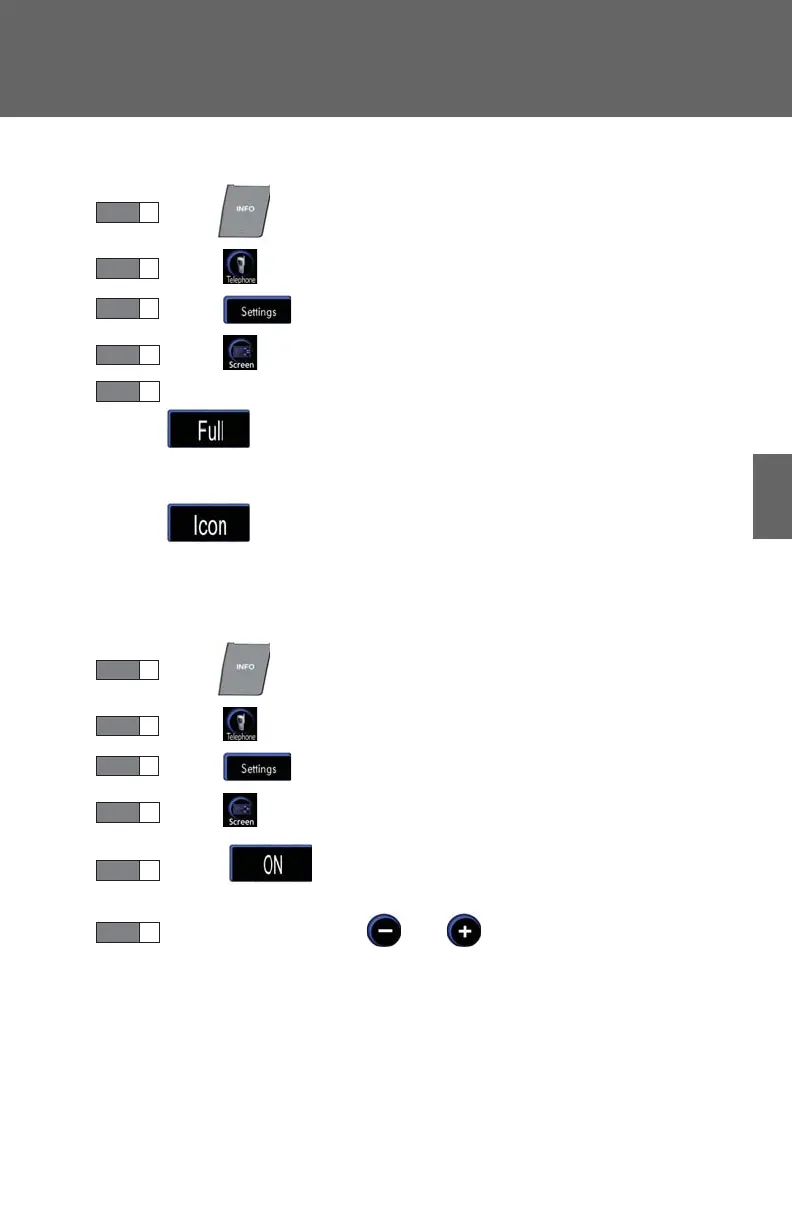
■ “Incoming Call Display” settings
Press .
Touch on the “Information” screen.
Touch on the “Telephone” screen.
Touch on the “Settings” screen.
Select the desired switch.
: The hands-free screen is displayed when a call is
received, and you can operate the system from that
screen.
: A message is displayed at the top of the screen, and
you can only operate the system with the steering
switches.
■ “Auto Answer” settings
Press .
Touch on the “Information” screen.
Touch on the “Telephone” screen.
Touch on the “Settings” screen.
Touch in the “Auto Answer” section of the “Screen
Settings” screen.
Set the wait time using and . (1 - 60 seconds)














 To Next Page