444
3-5. Using the hands-free system (for cellular phone)
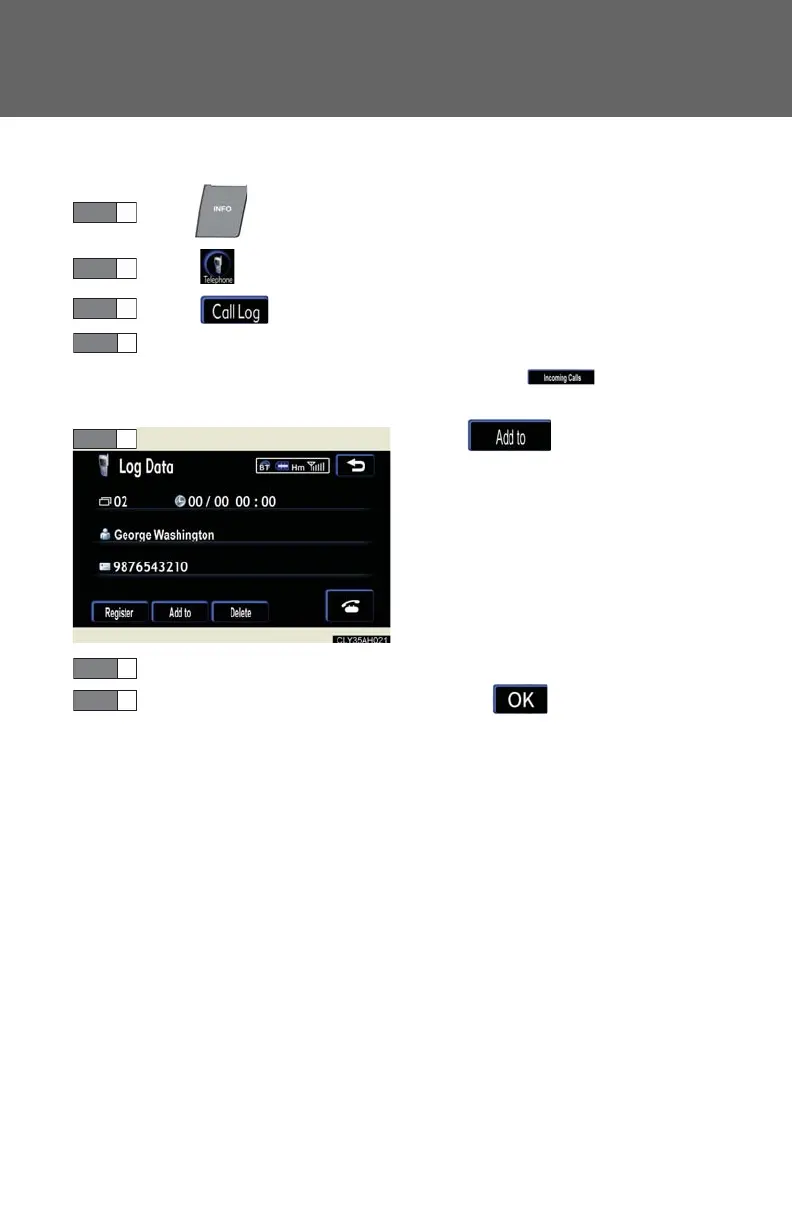
■ Adding call history data to a registered entry
Press .
Touch on the “Information” screen.
Touch on the “Telephone” screen.
Choose the desired number from the list.
To choose from the incoming call history, touch and select the
desired number.
Tou c h .
Choose the phone book entry to be added to.
Check the data to be added, and touch .














 To Next Page